Toofaan(Manager Guide) Part 3
Aug 10, 2025●
1
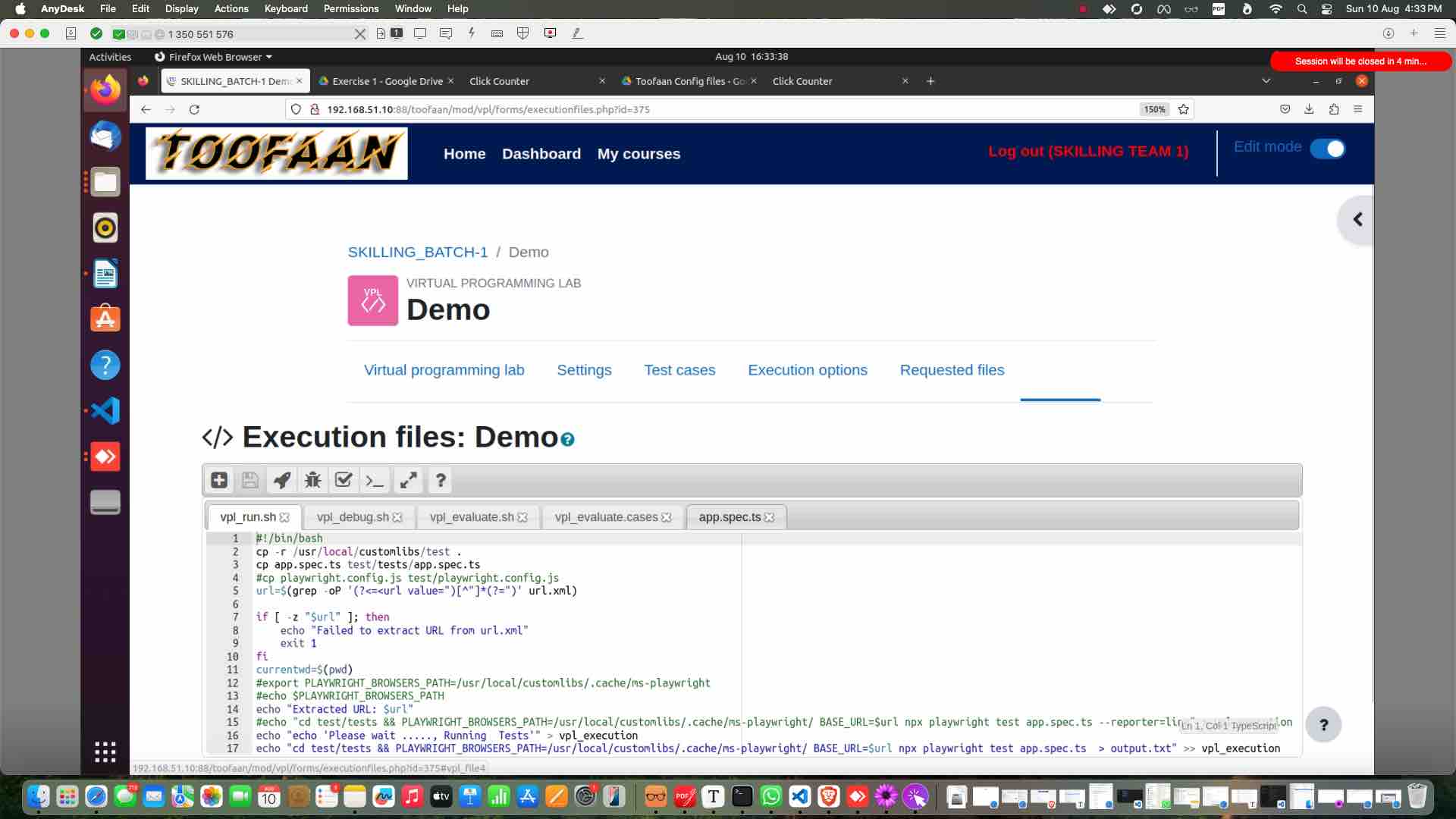
Open "Execution Files" Click "app.spec.ts"

2
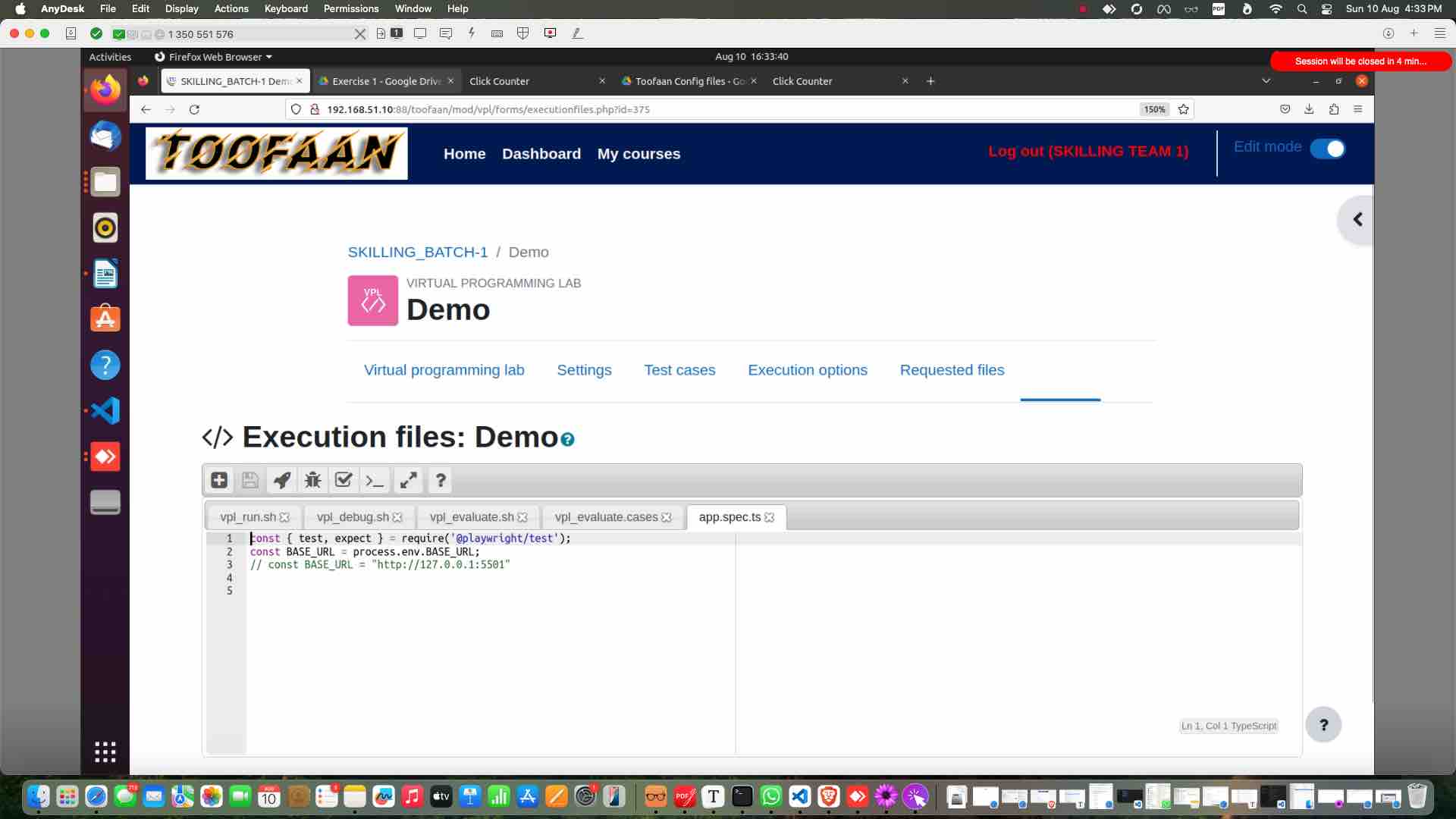
Need to update the code
3
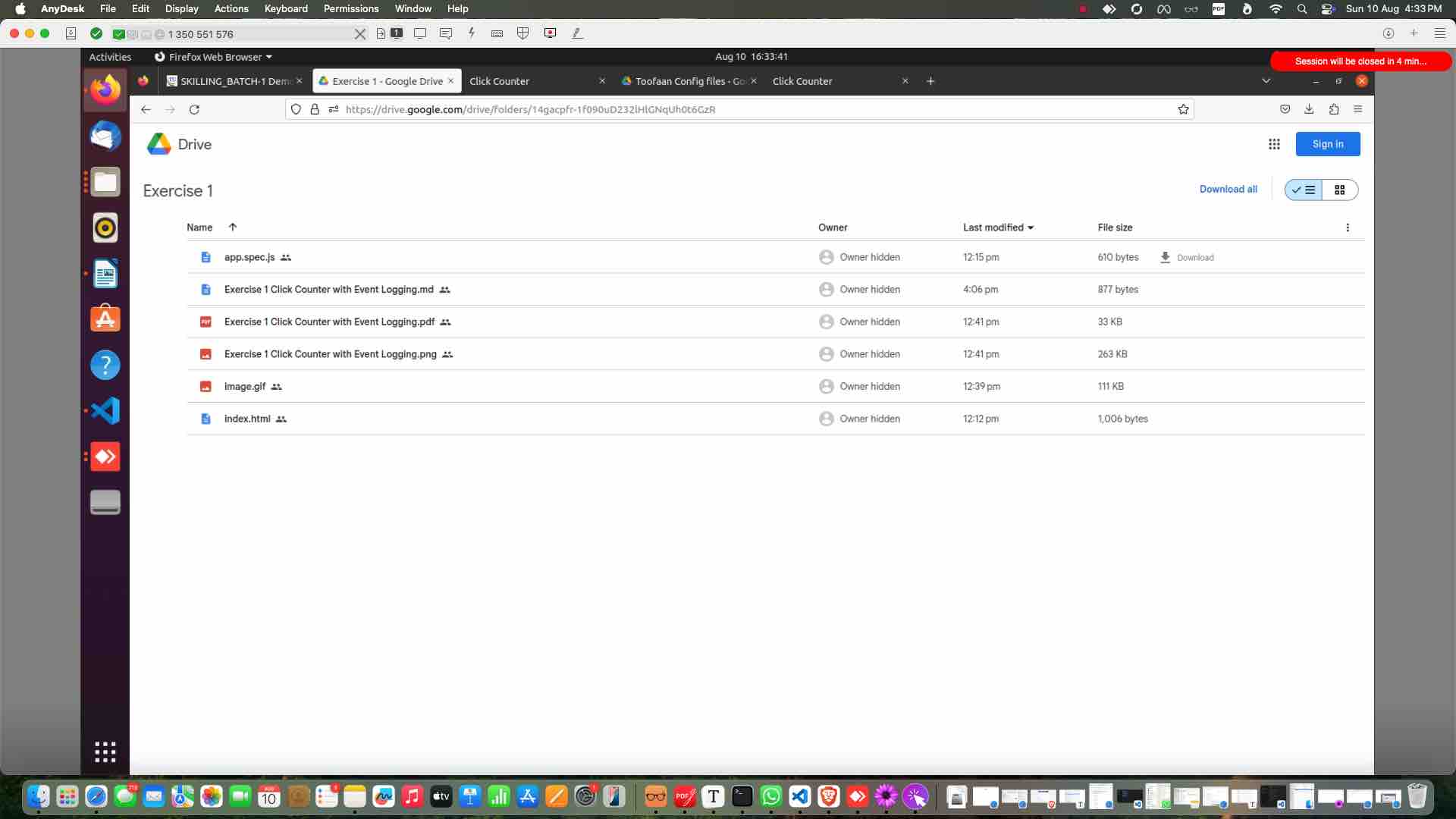
Open the drive or download file folder in the system
4
Copy the content expect first two lines
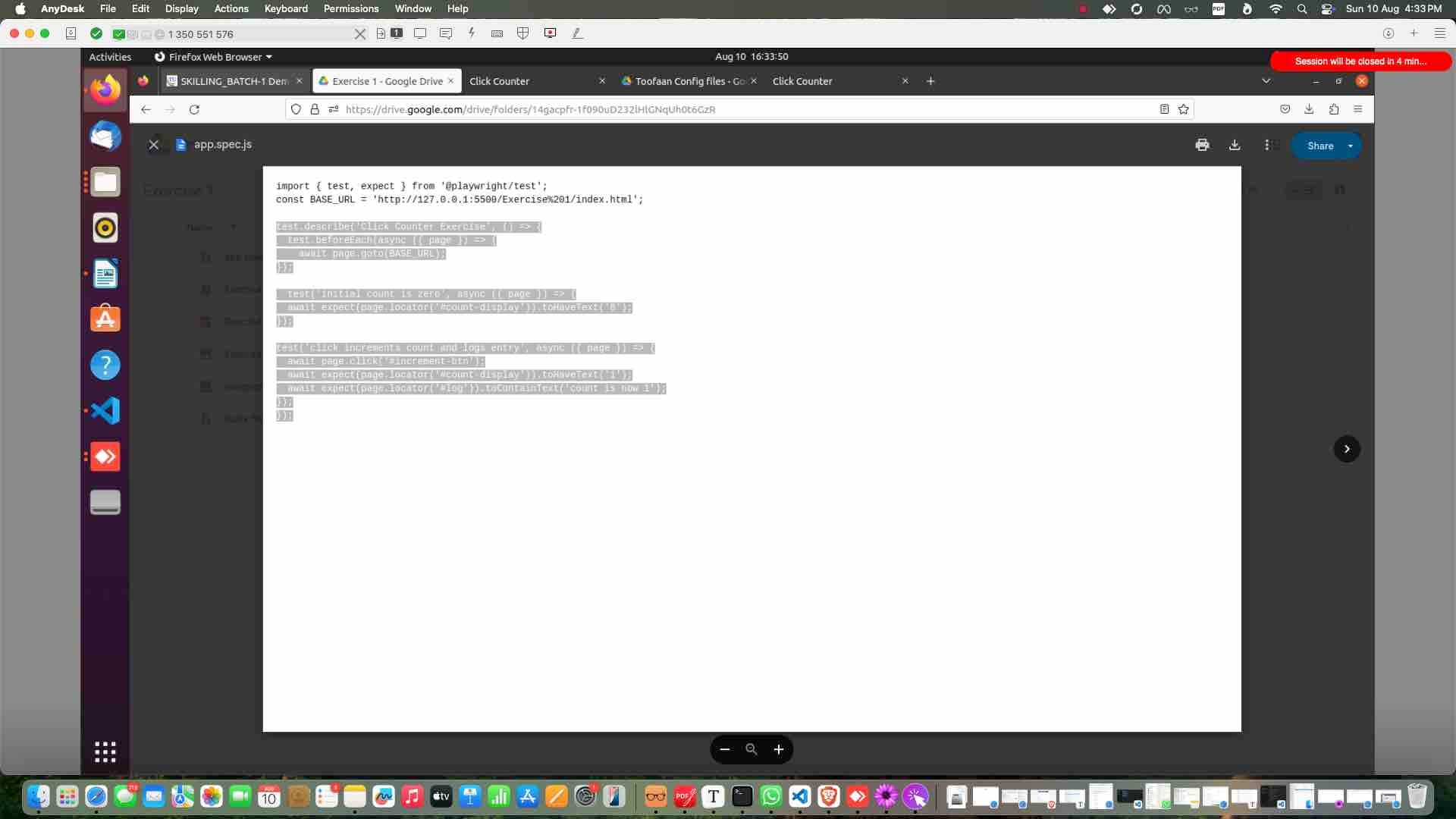
5
Paste it
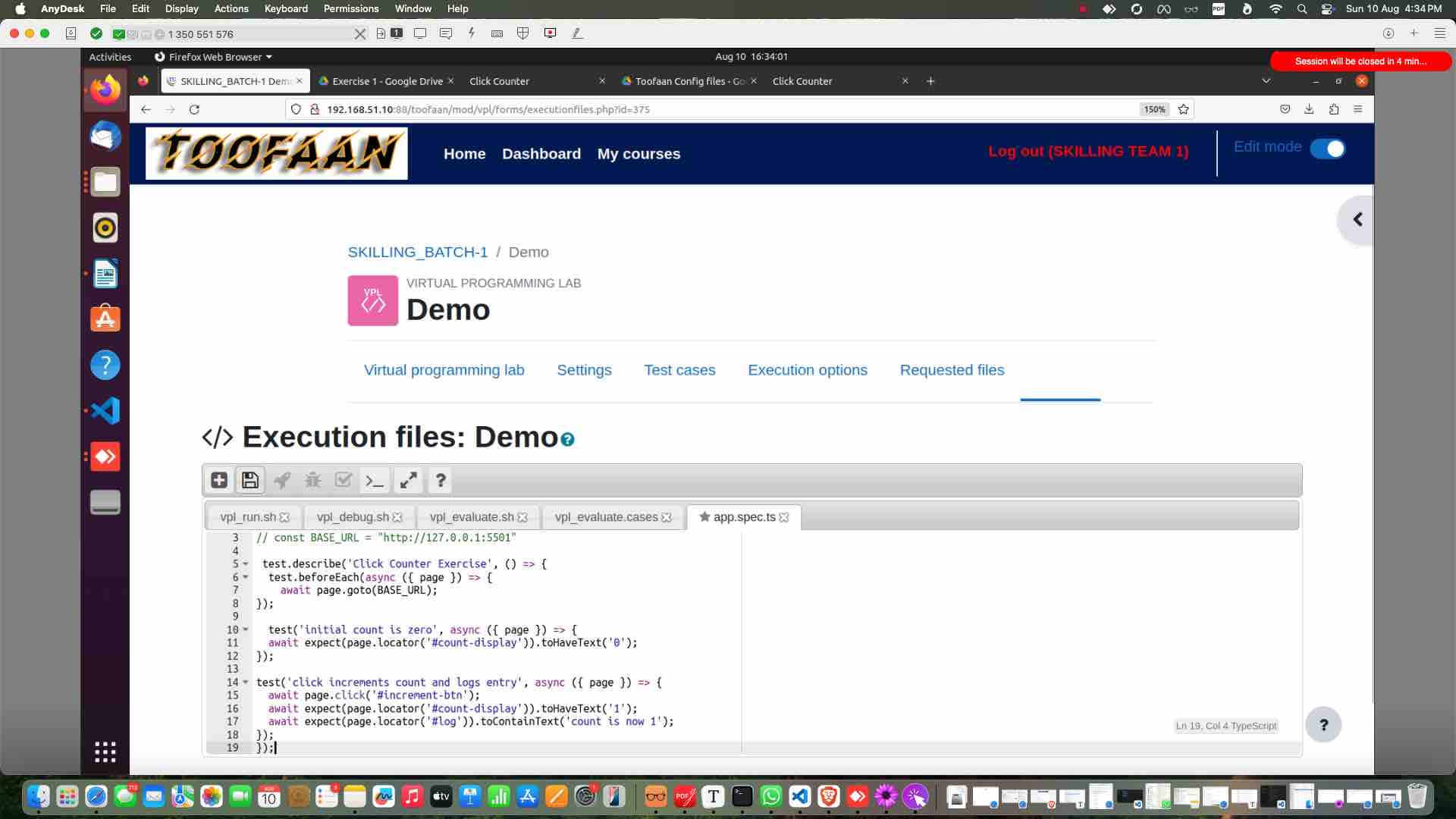
6
Save it
7
Lets add the exercise description for students to read. Click on "Requested files"
8
Add the exercise description in the comments
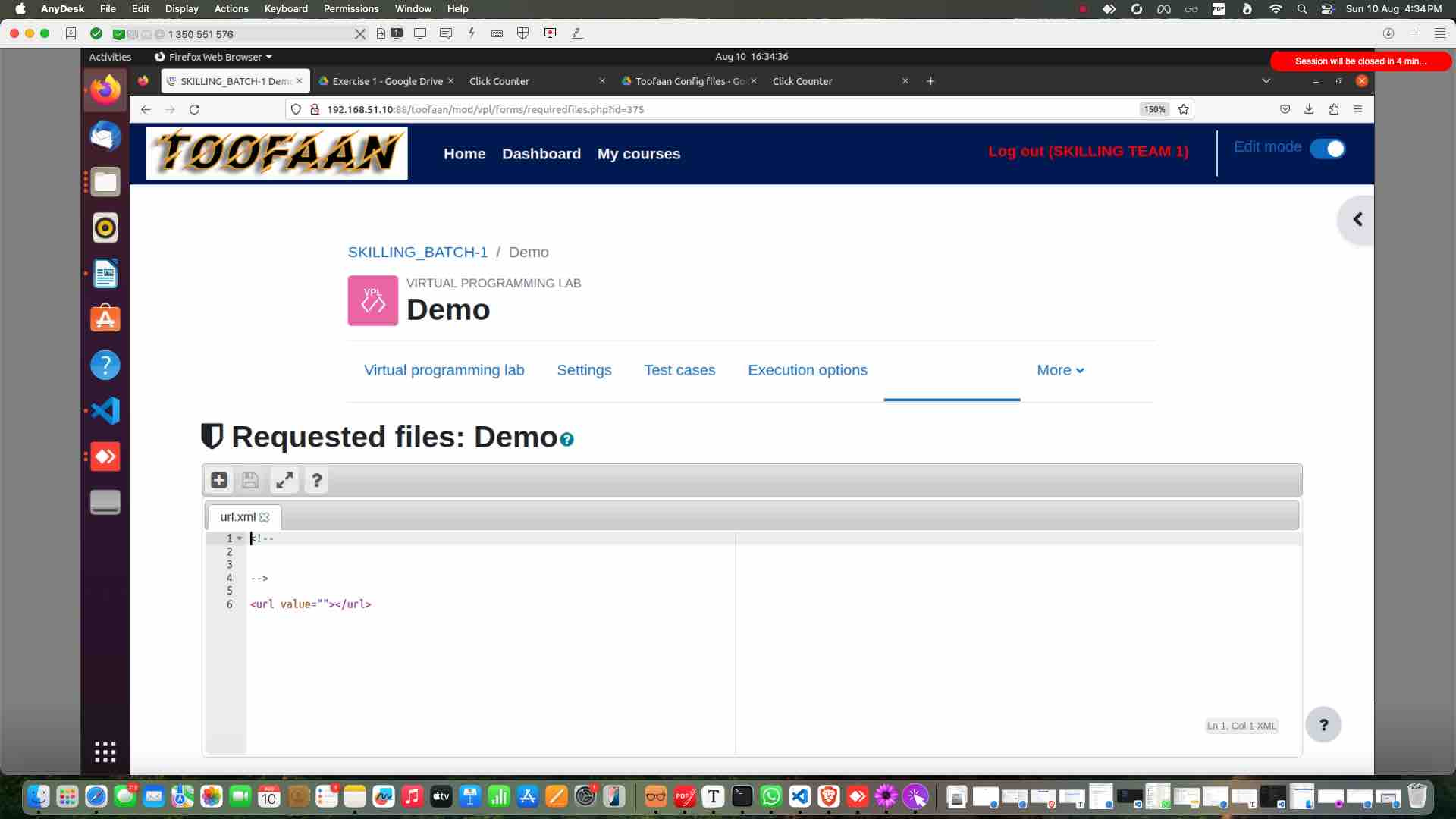
9
Open the Google drive and Click on exercise_.md file
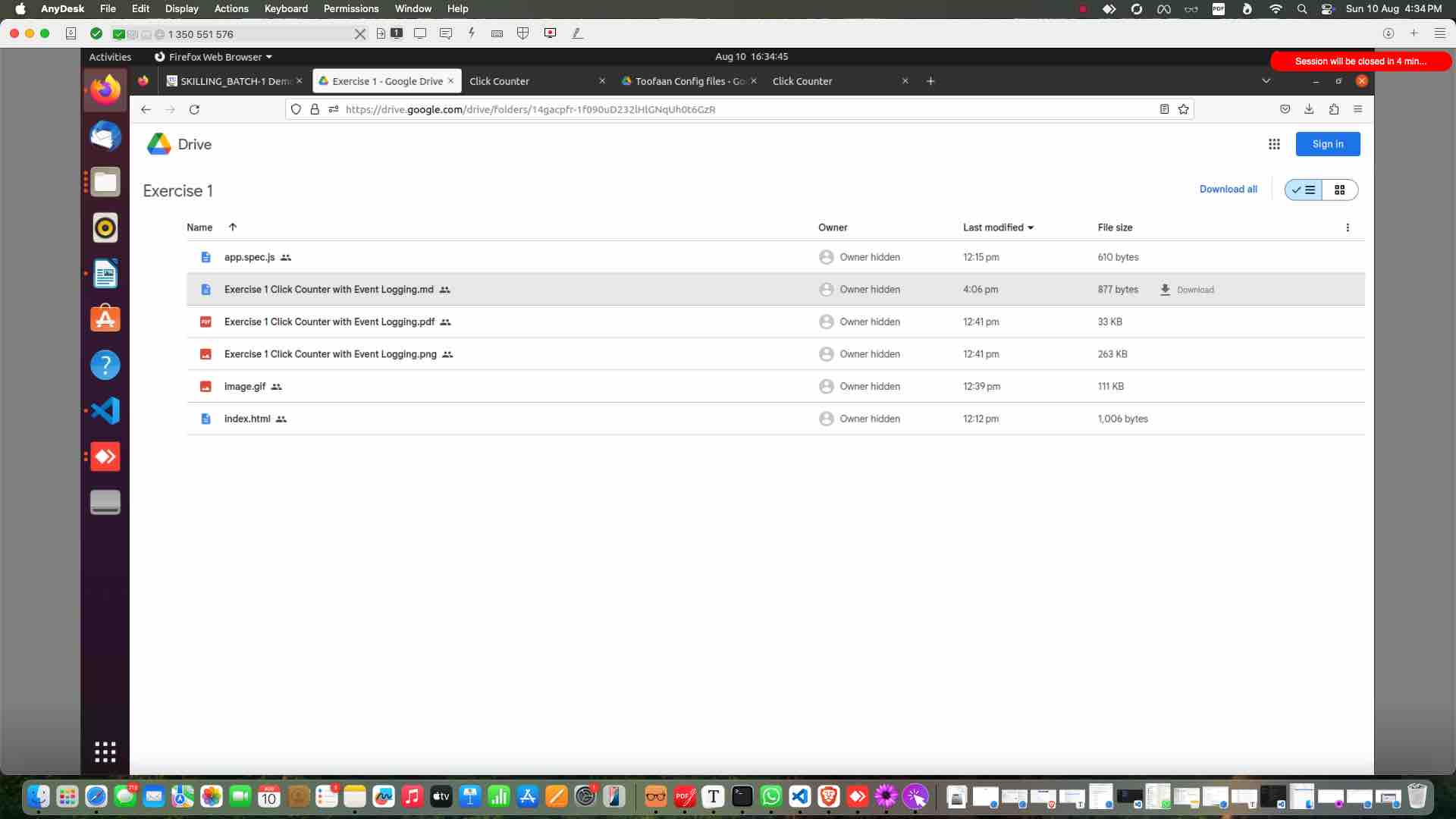
10
Copy the content
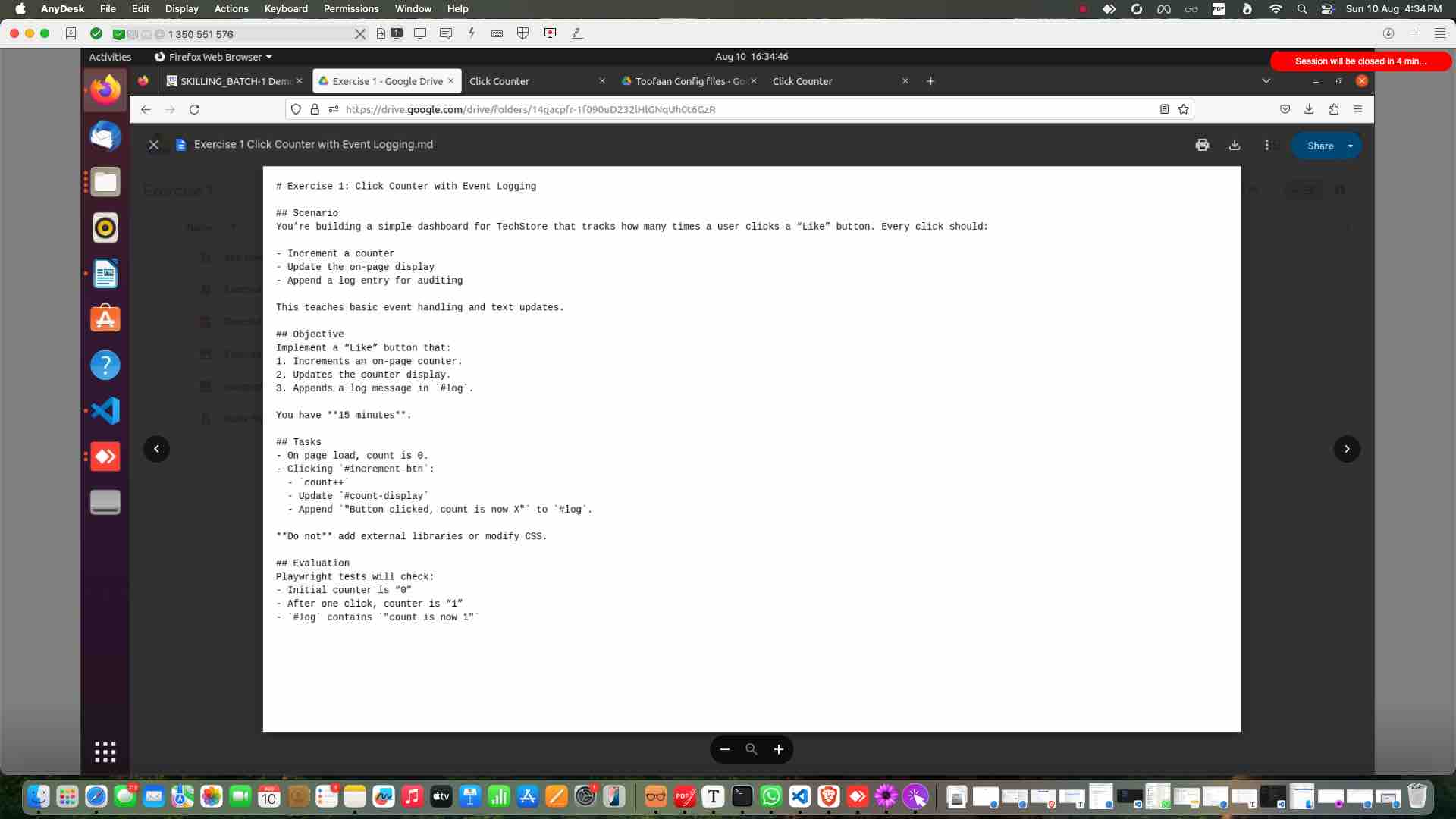
11
Paste it
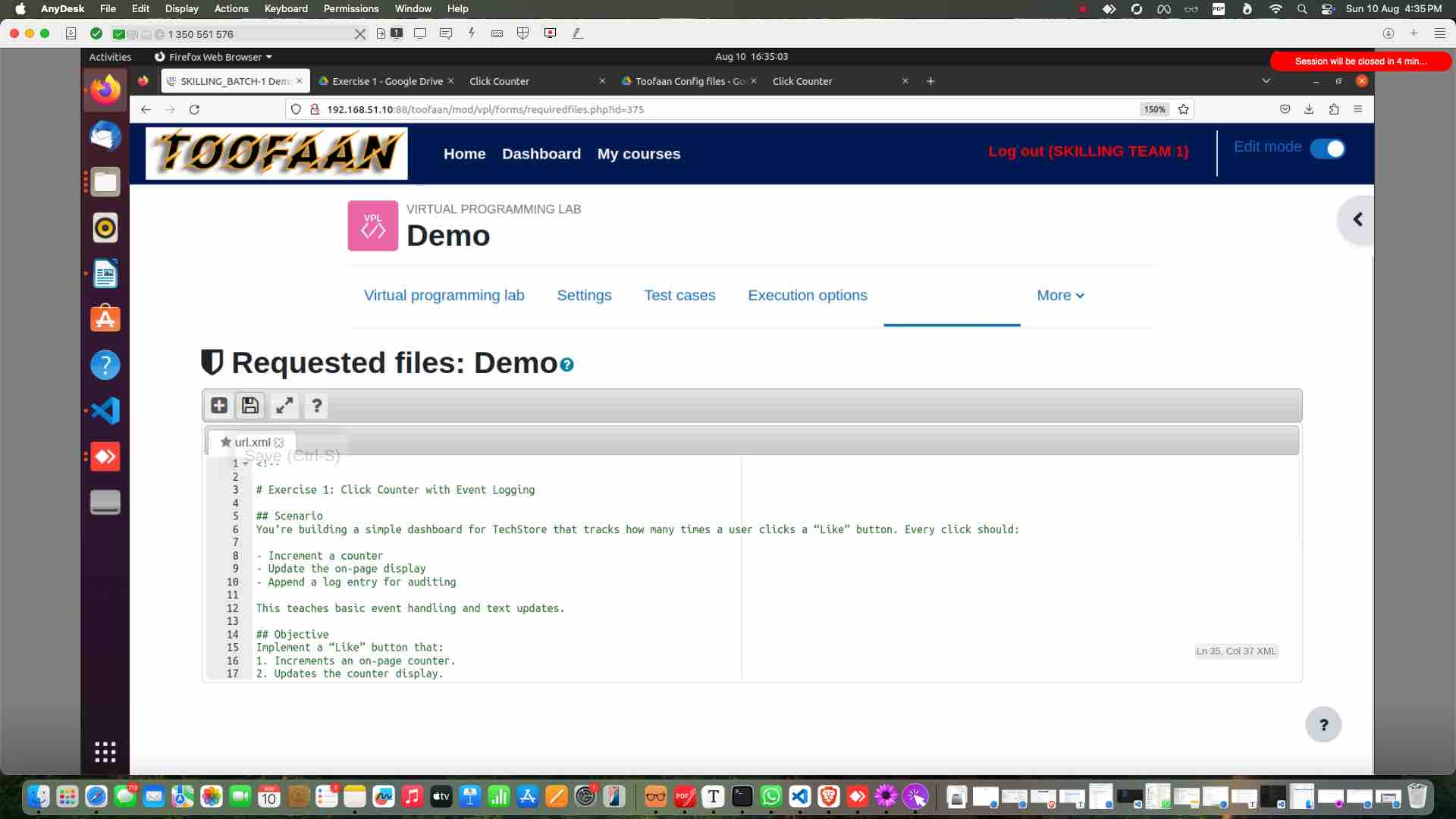
12
save it
13
Lets test the exercise before releasing the exercise to students. Click on "More"
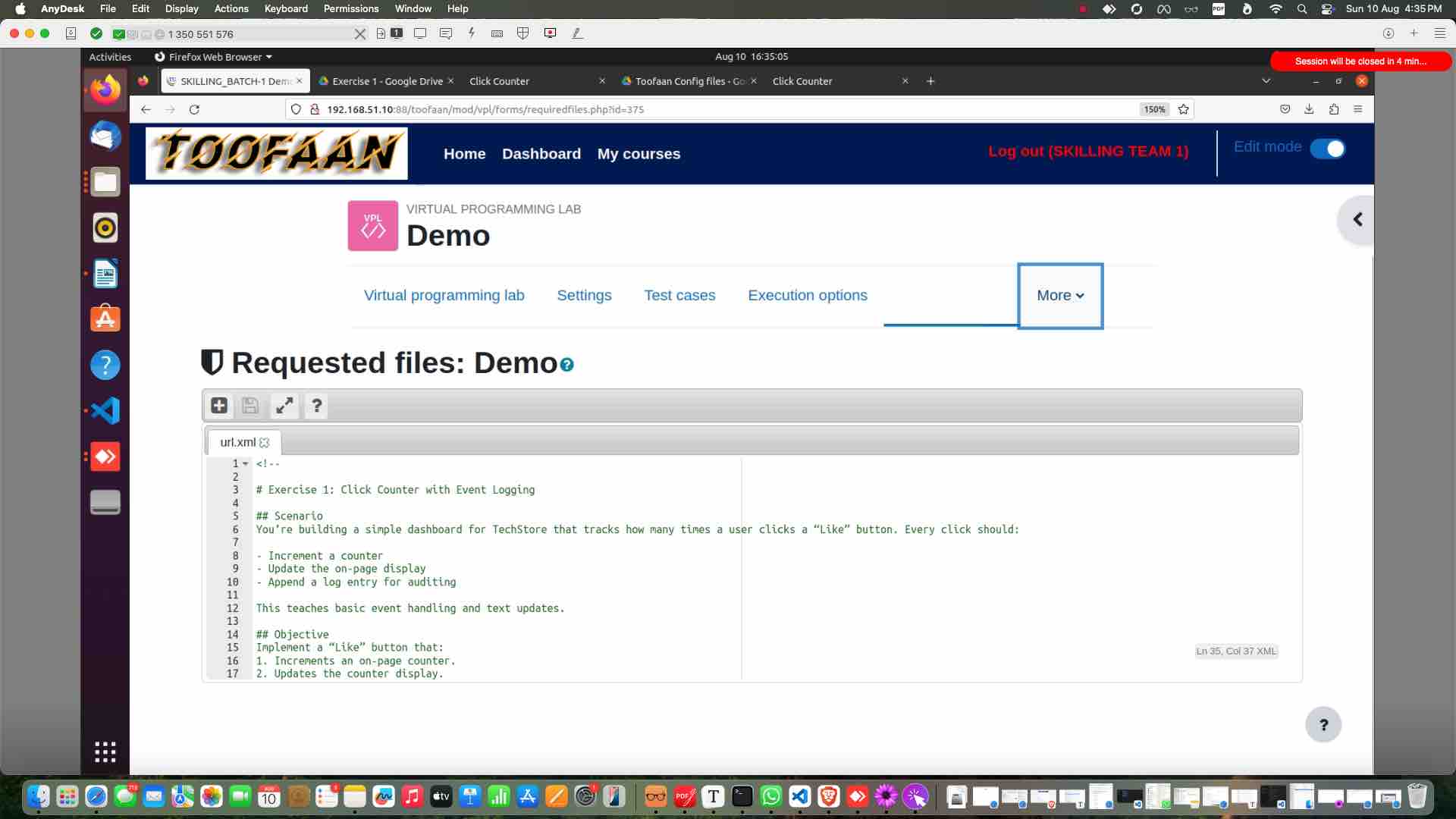
14
Click here "Edit"
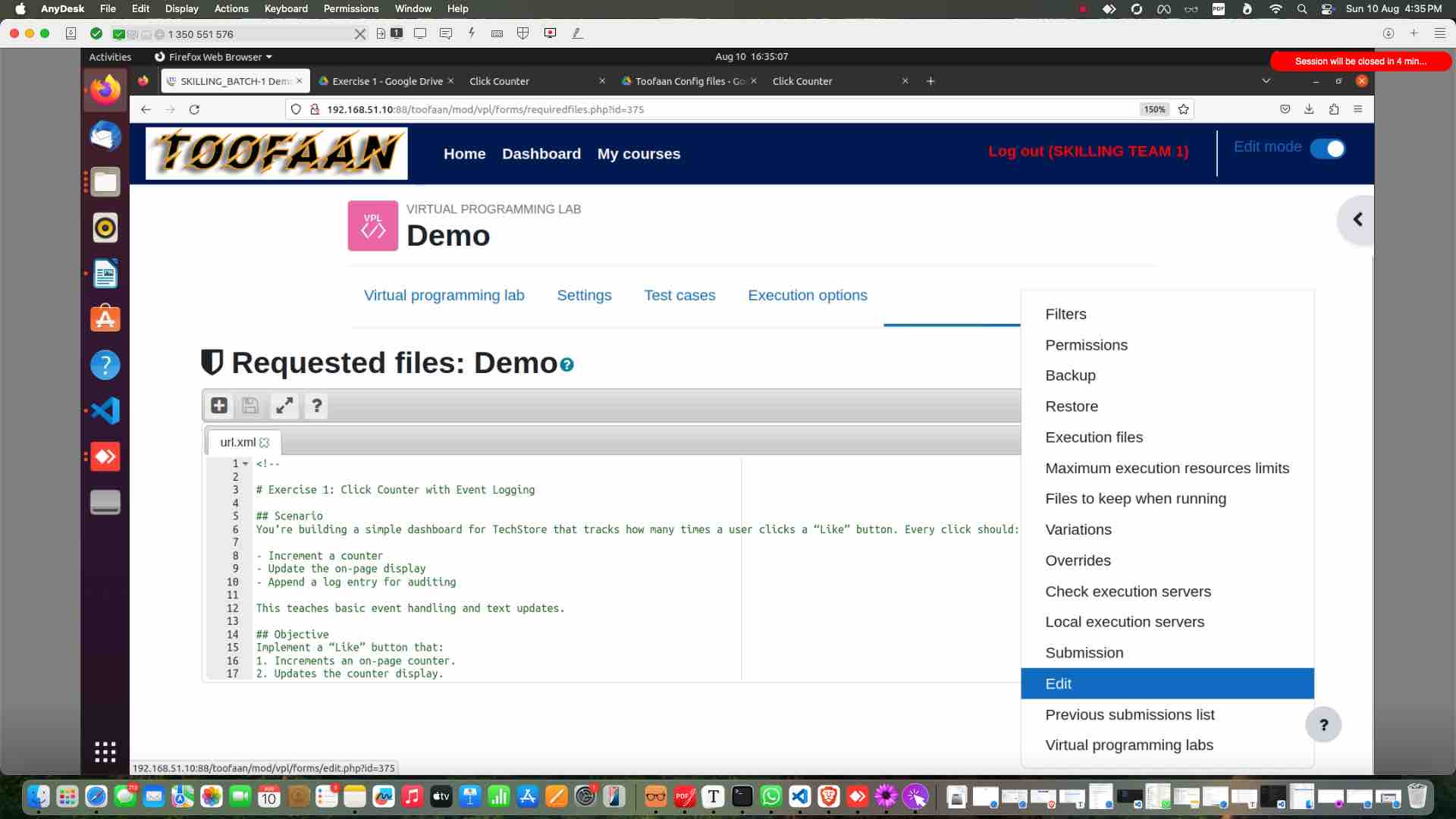
15
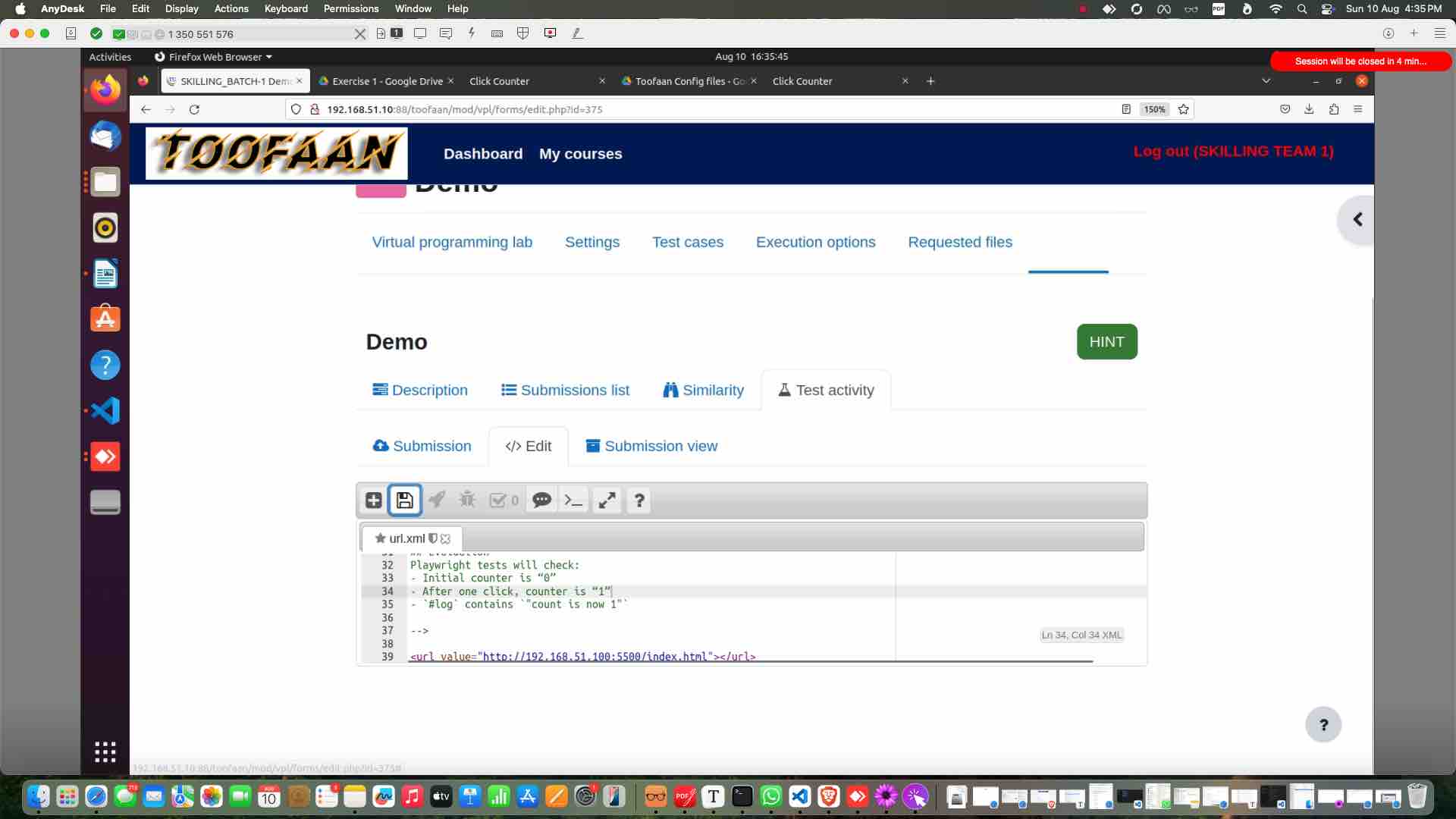
Write the url
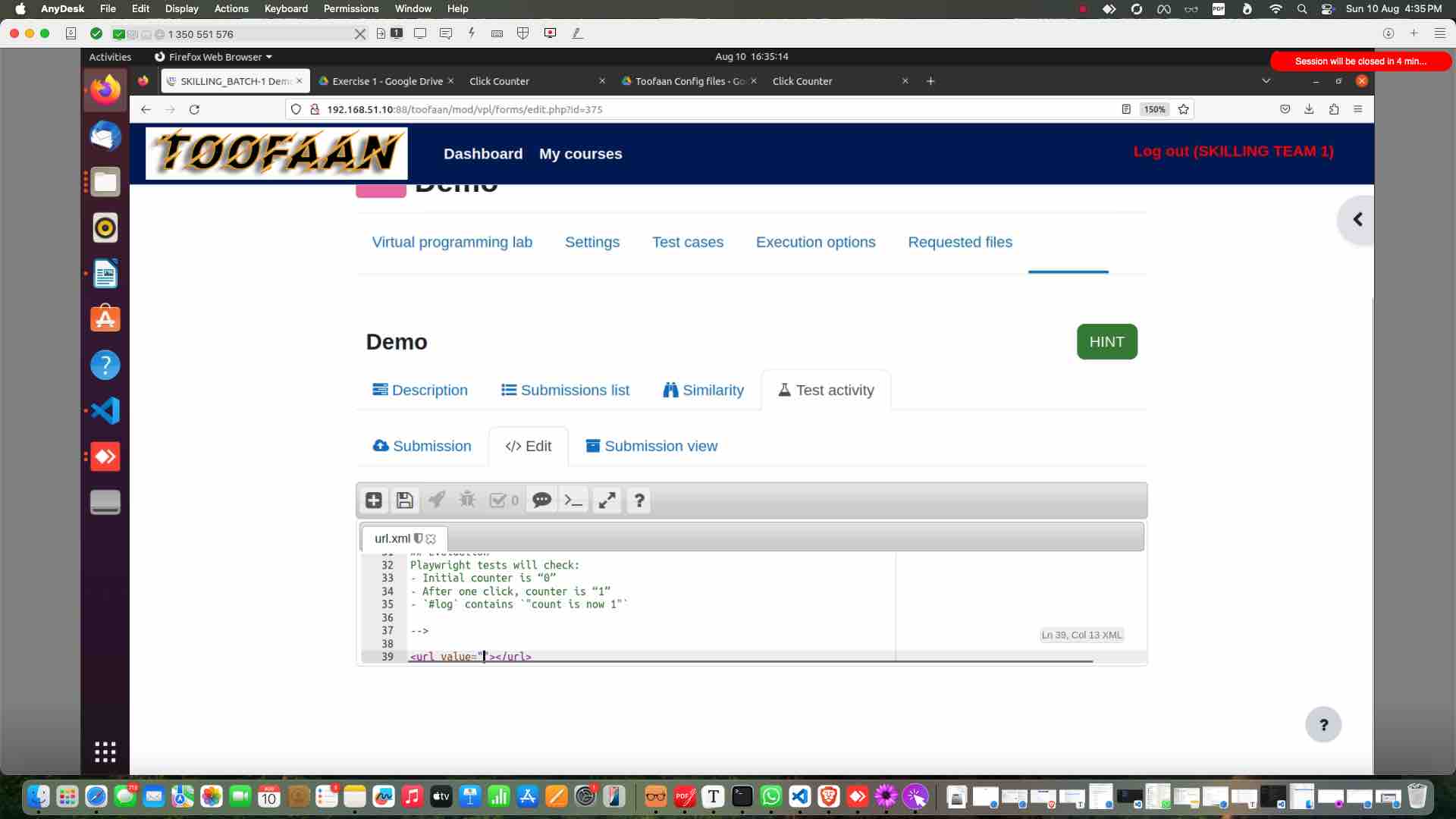
16
for url Go to the browser preview of your app
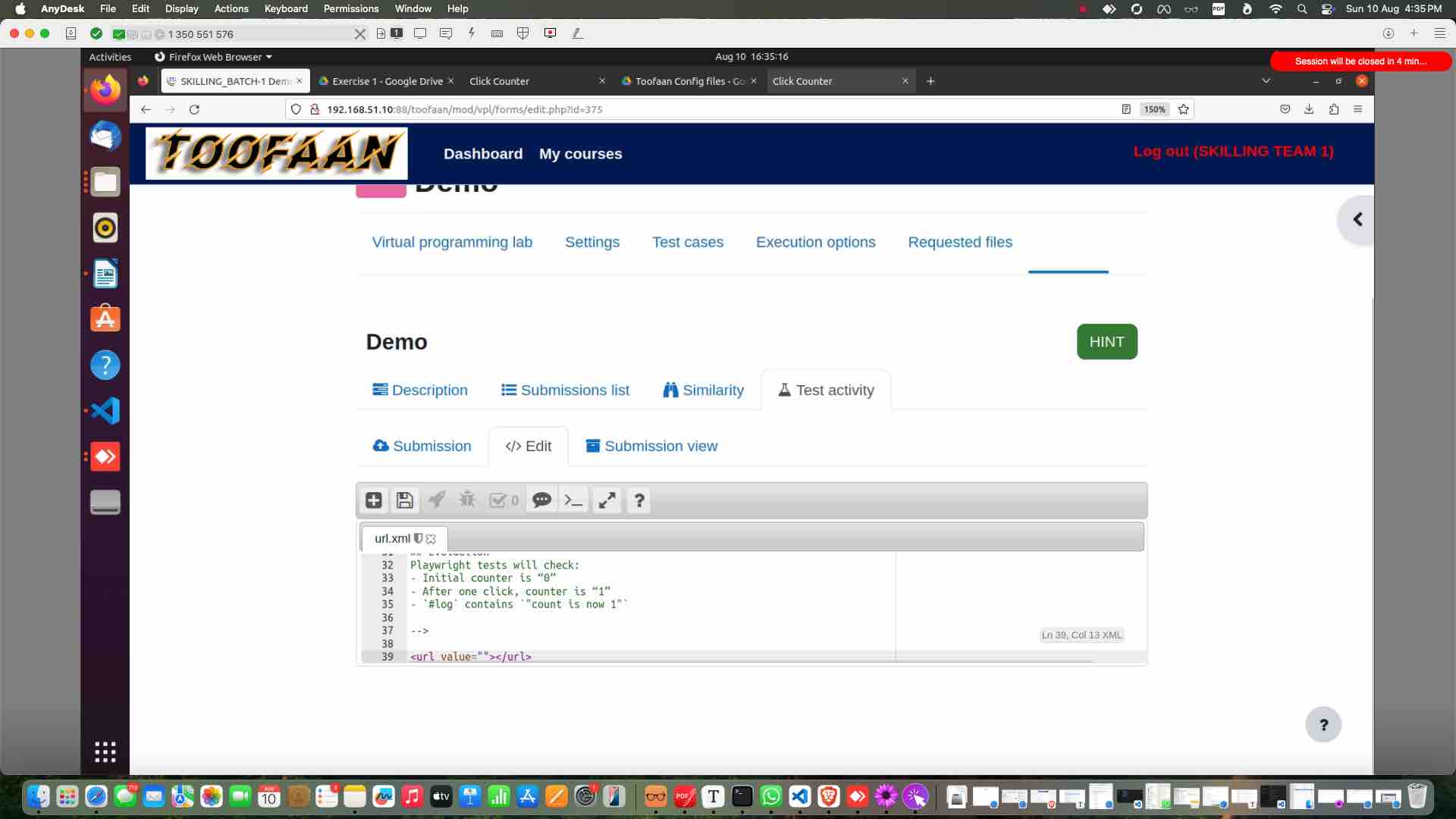
17
Copy the url
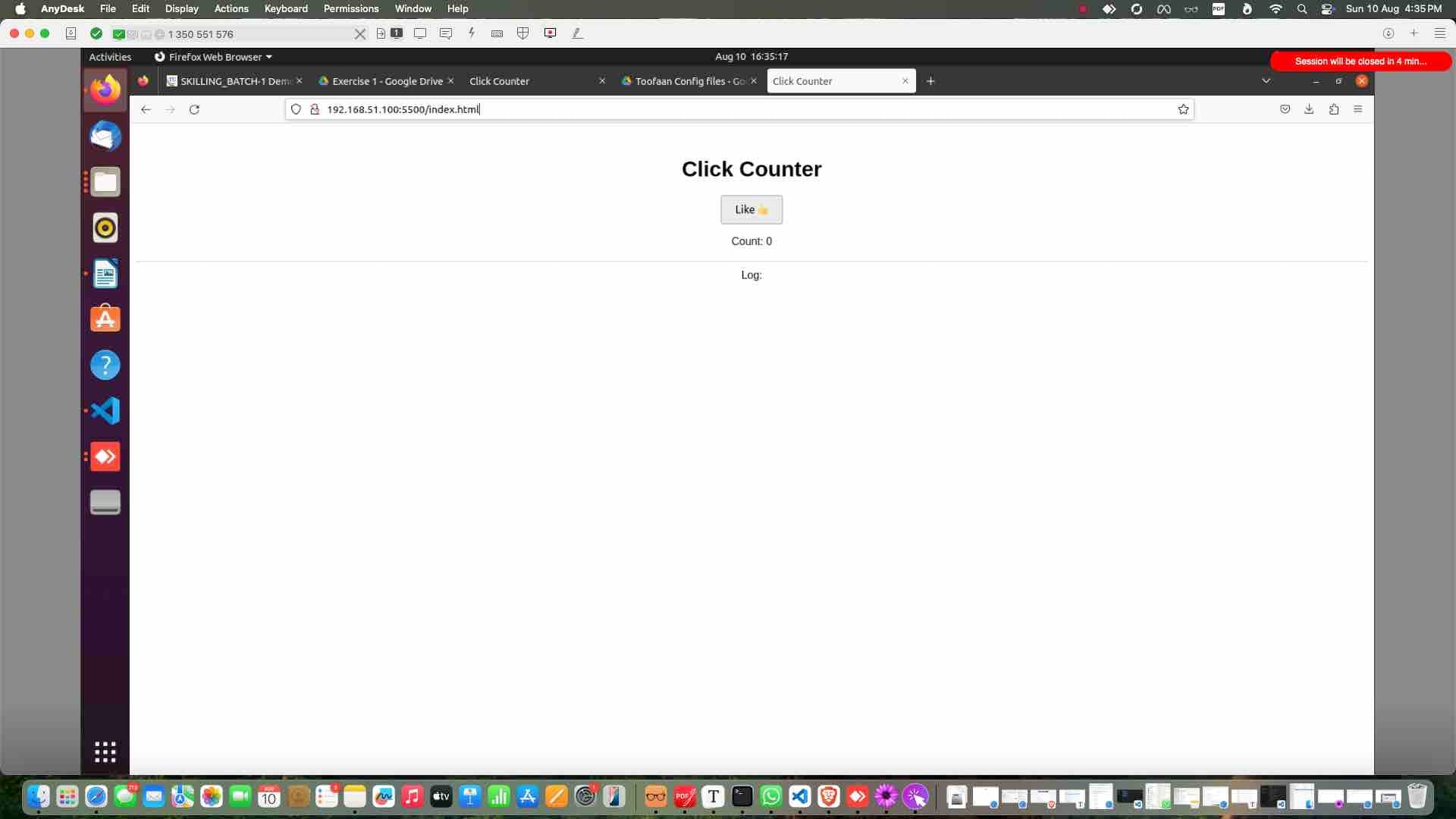
18
Past it as value
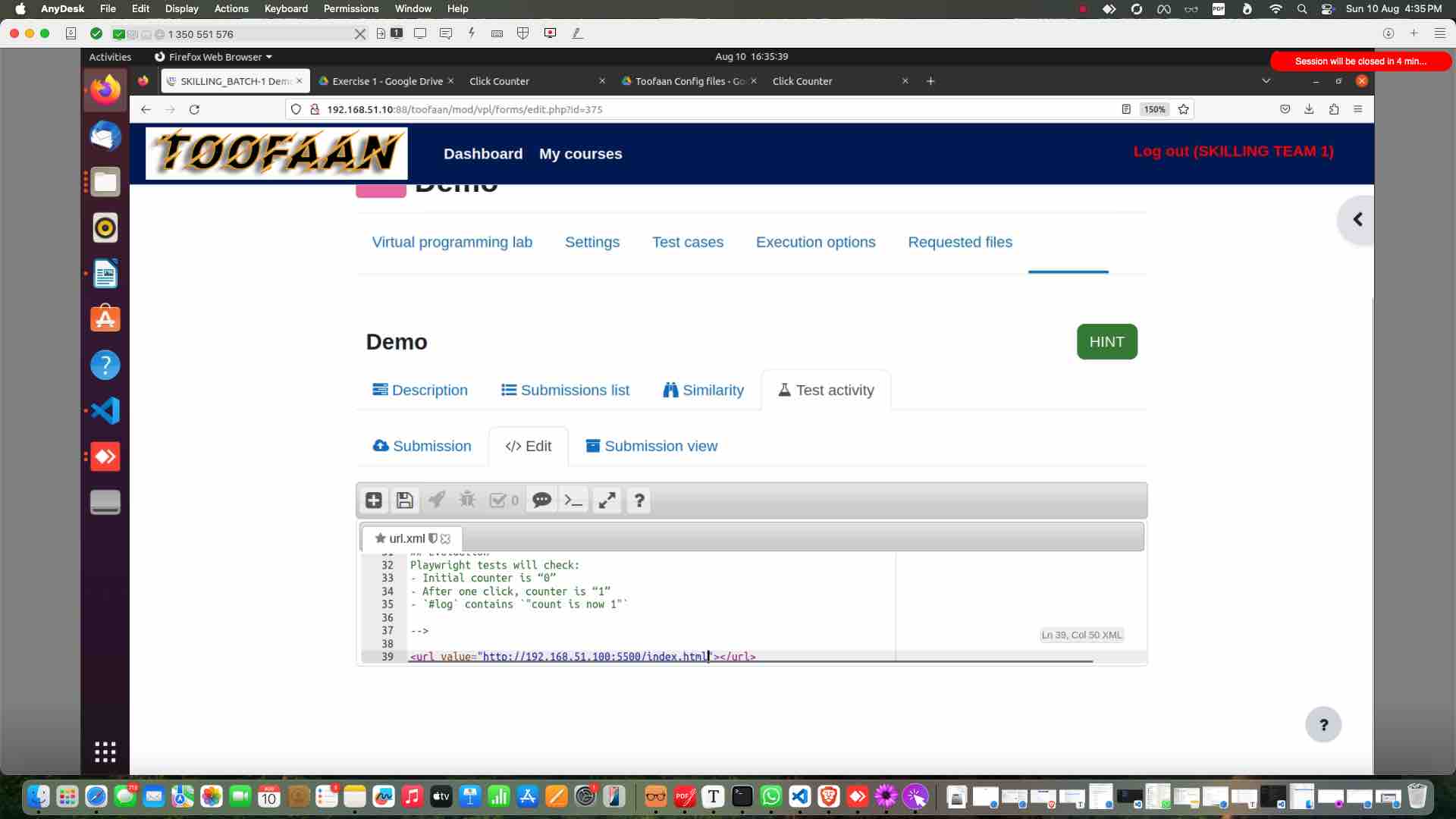
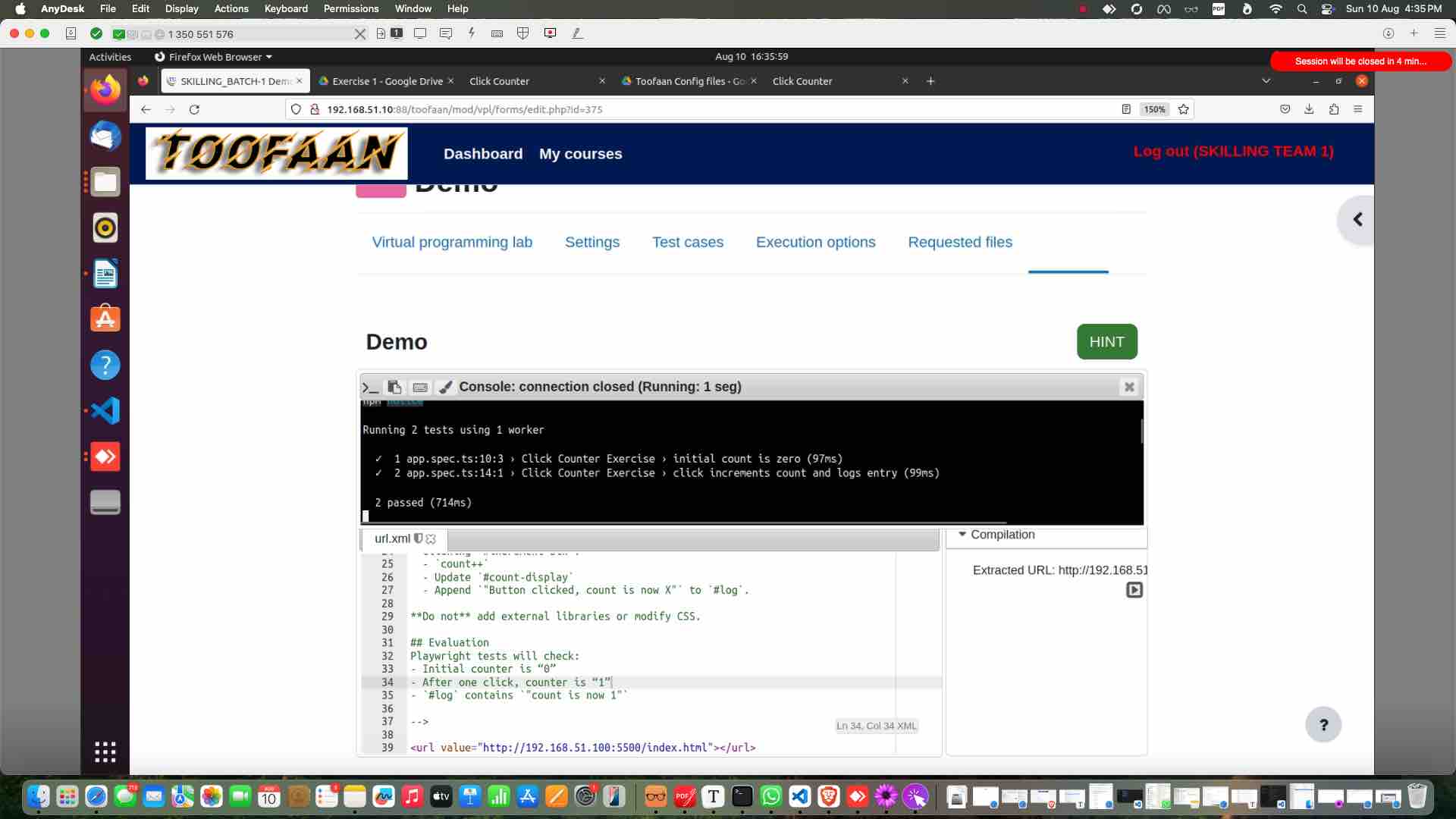
19
Save it
20
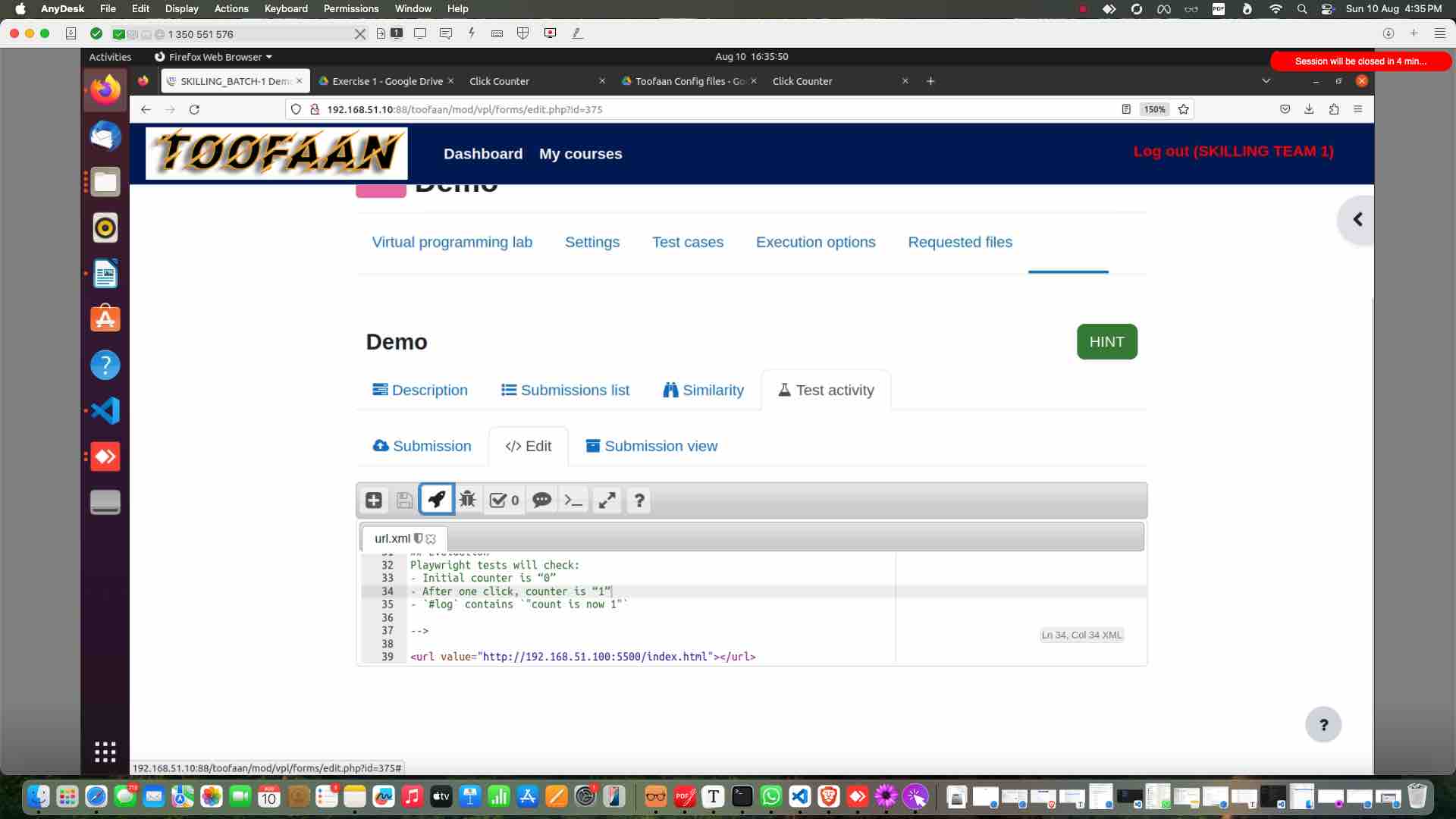
Run it
21
Check all test case pass