Toofaan (Students Guide)
Oct 29, 2025●
1
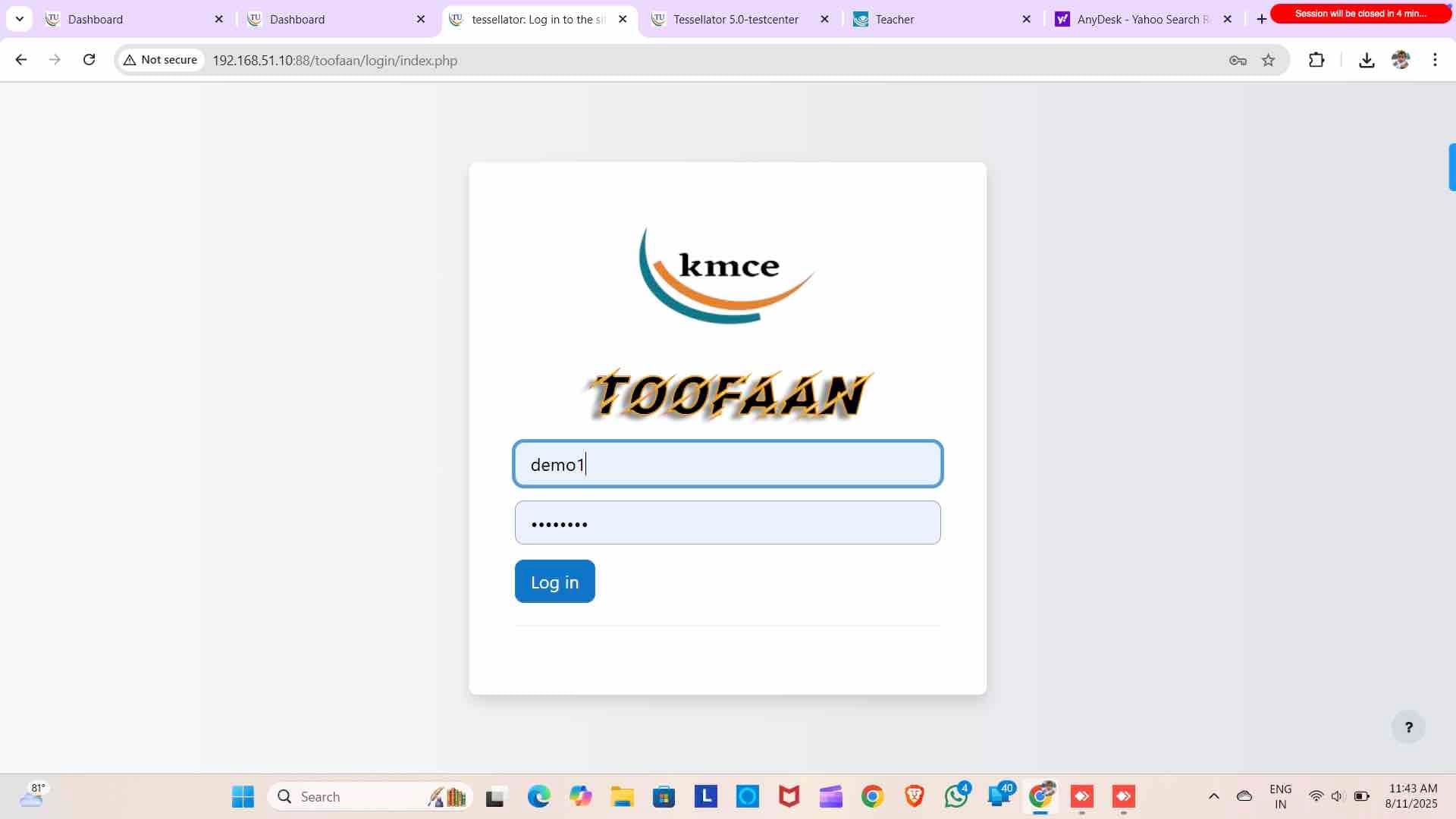
Login with username and password to toofaan

2
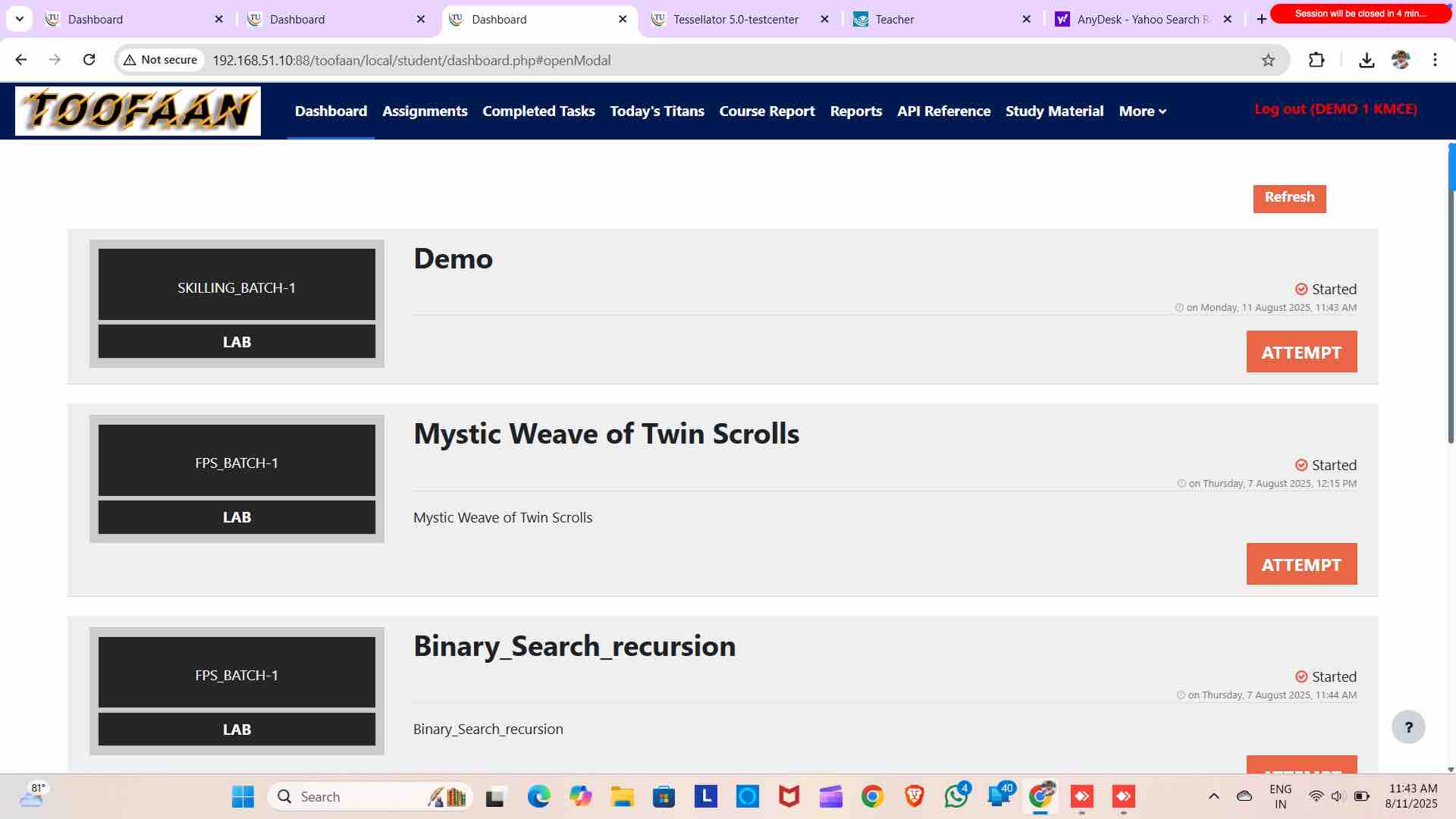
Attempt the exercise
3
Click "Hint" to see what you will be creating
4
Close the popup
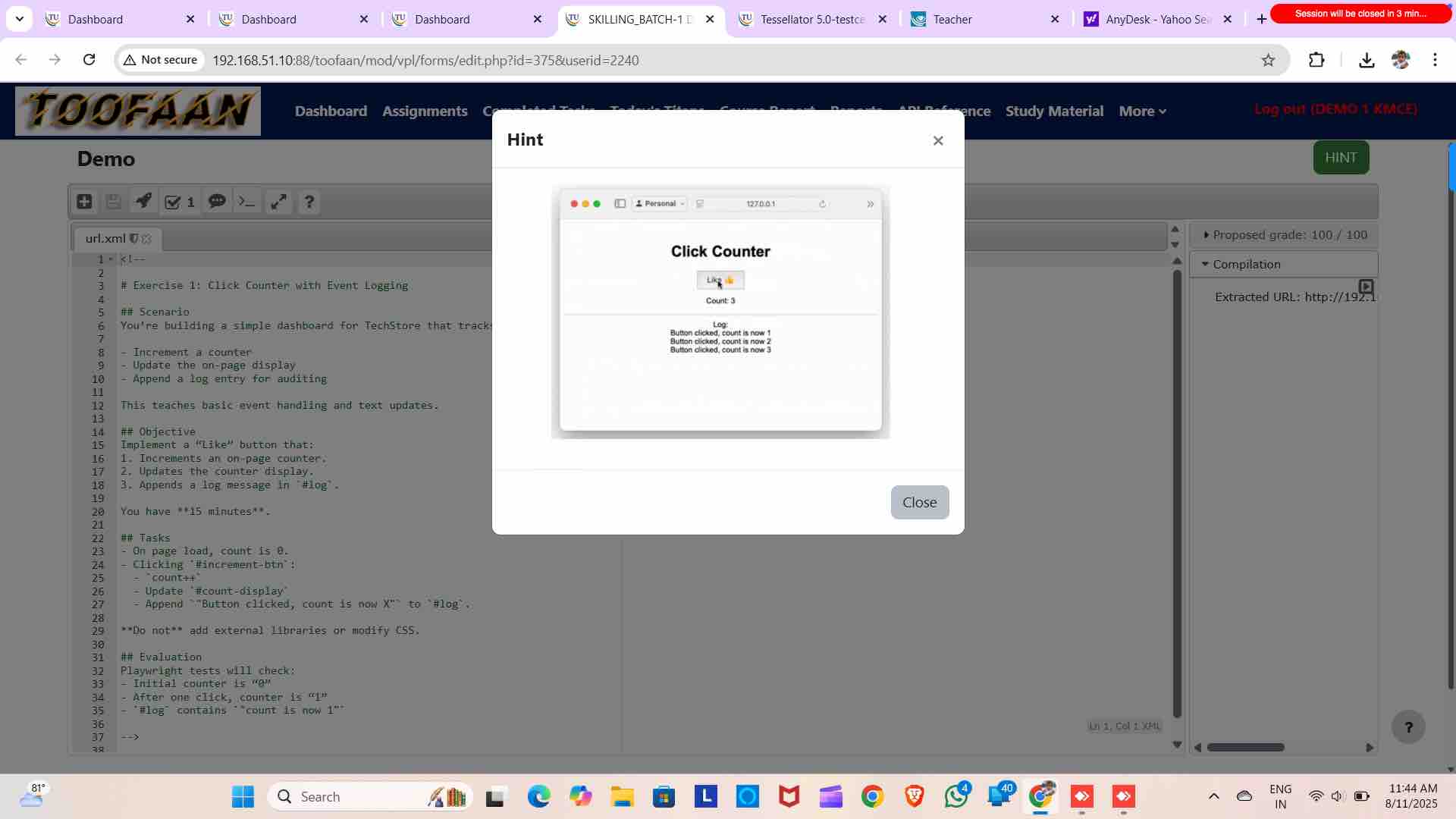
5
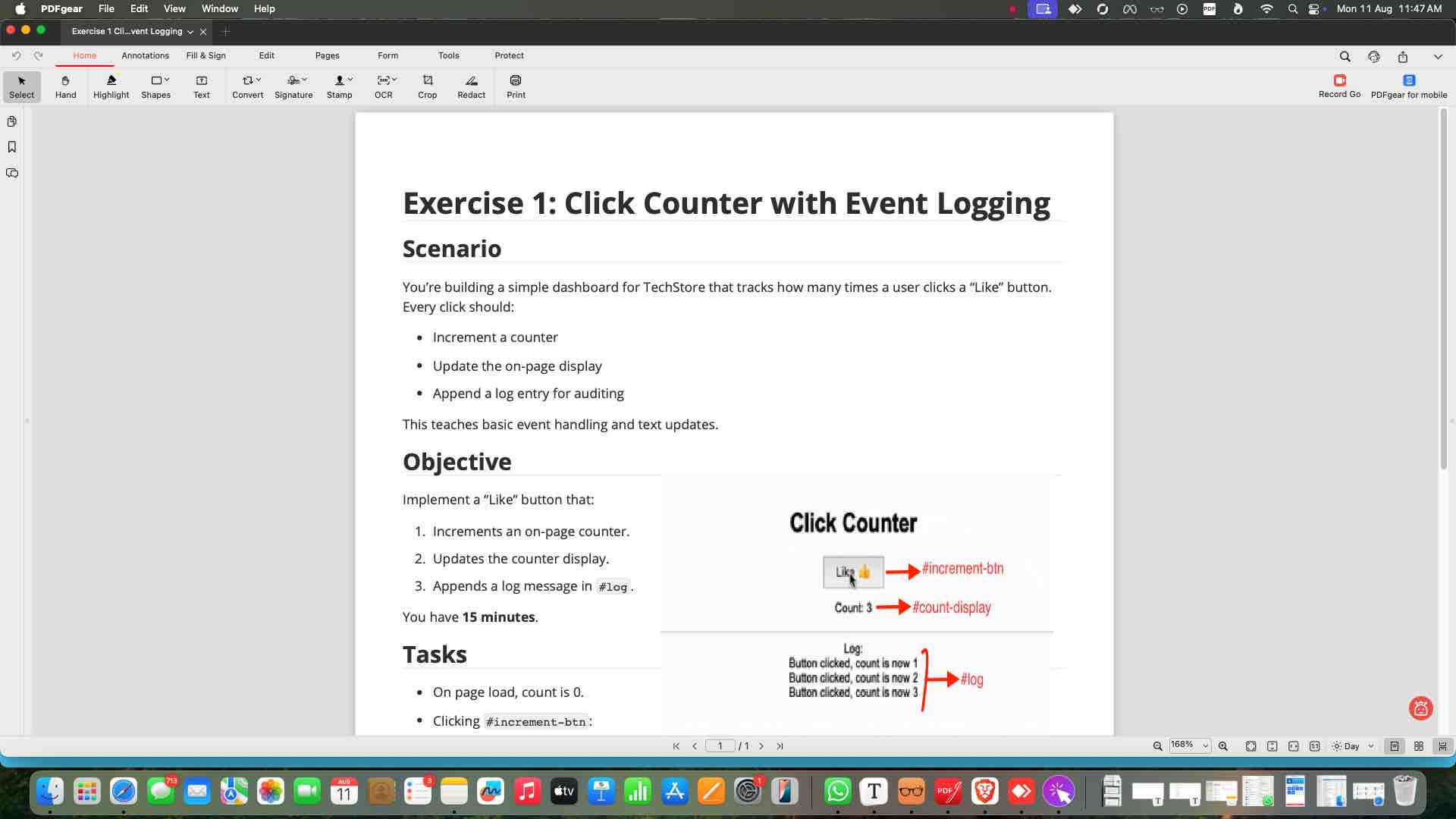
Read the question You will also have a PDF of the exercise
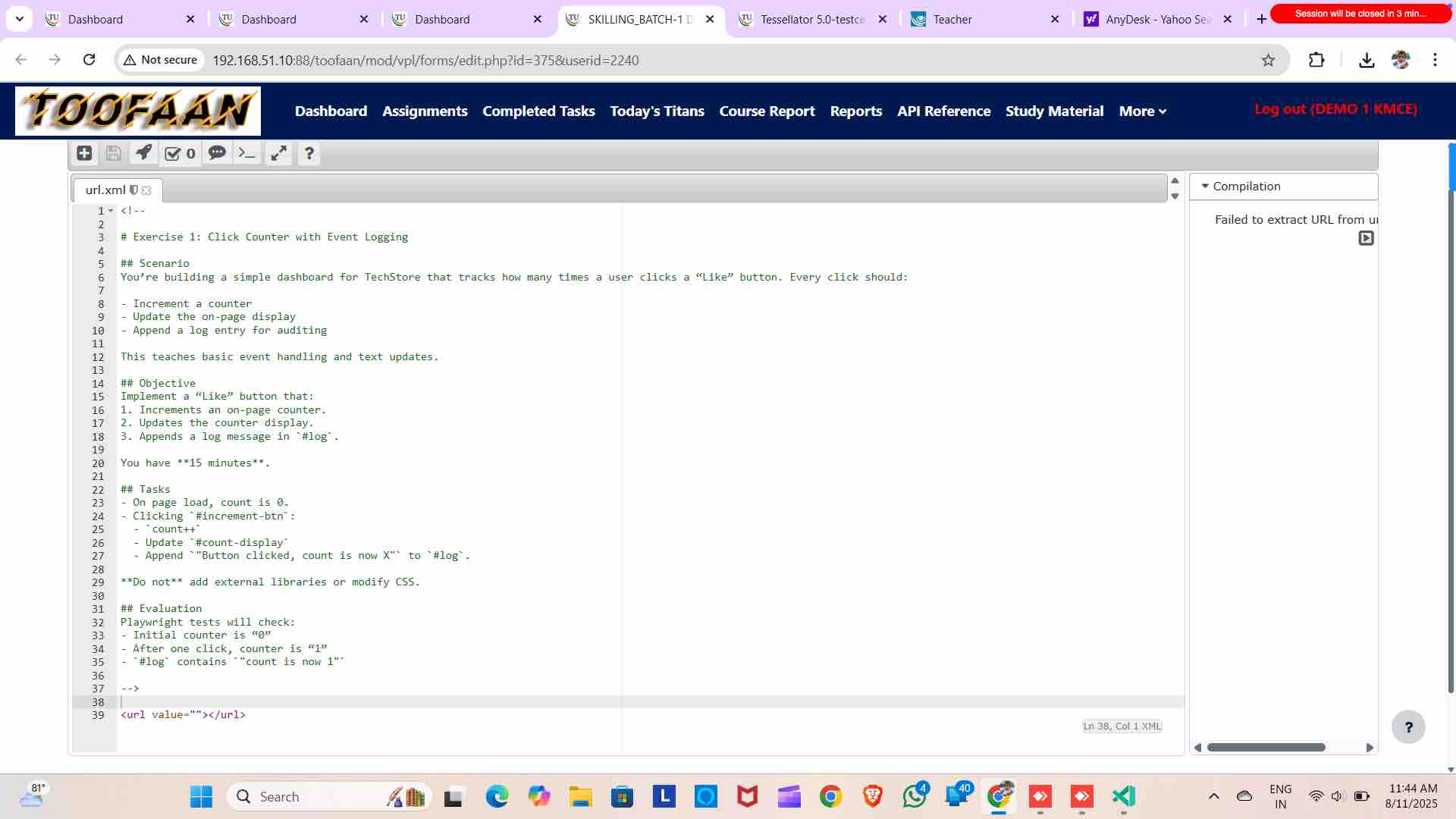
6
Open VSCode to do the exercise
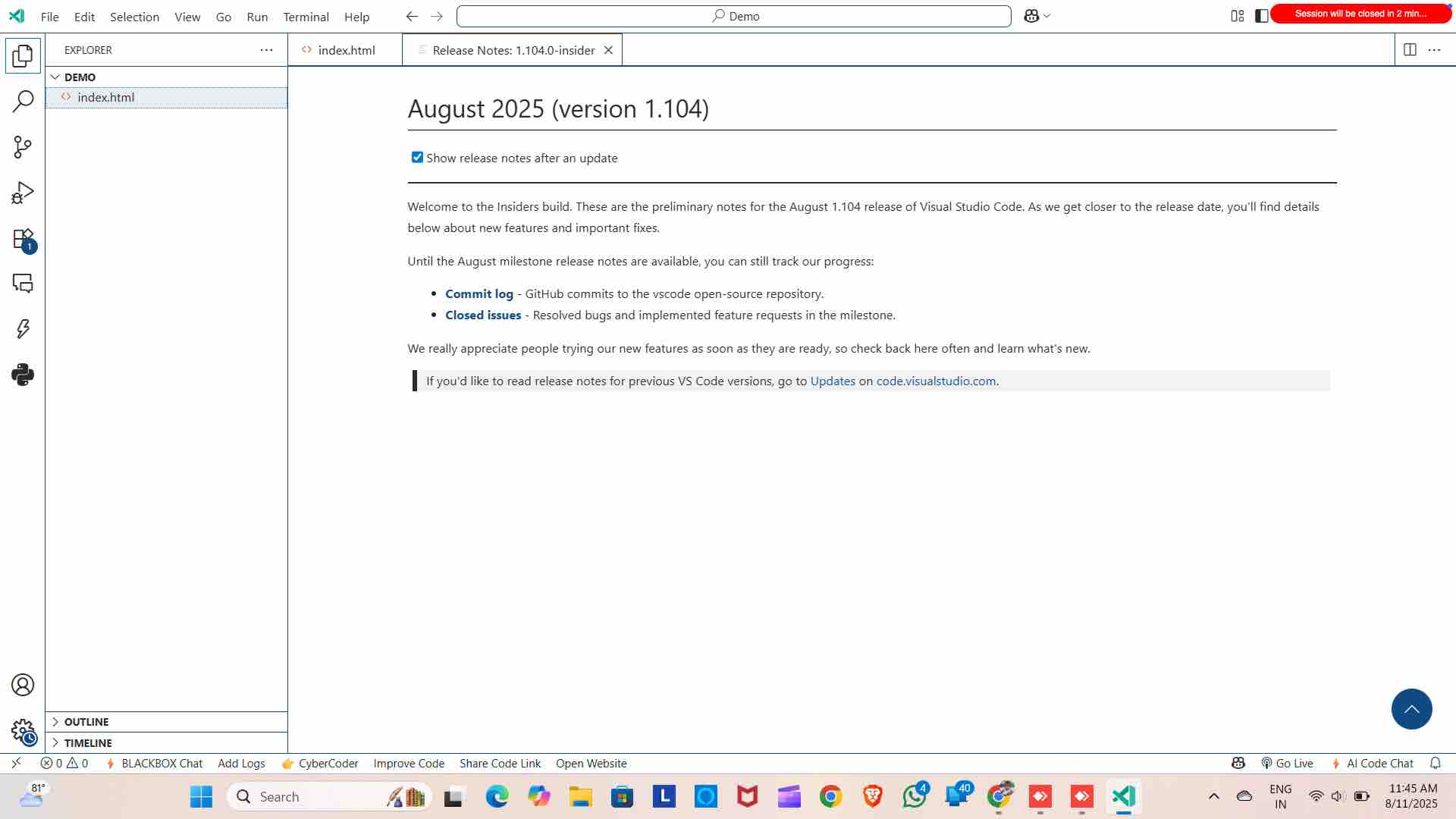
7
Create a new folder and create index.html
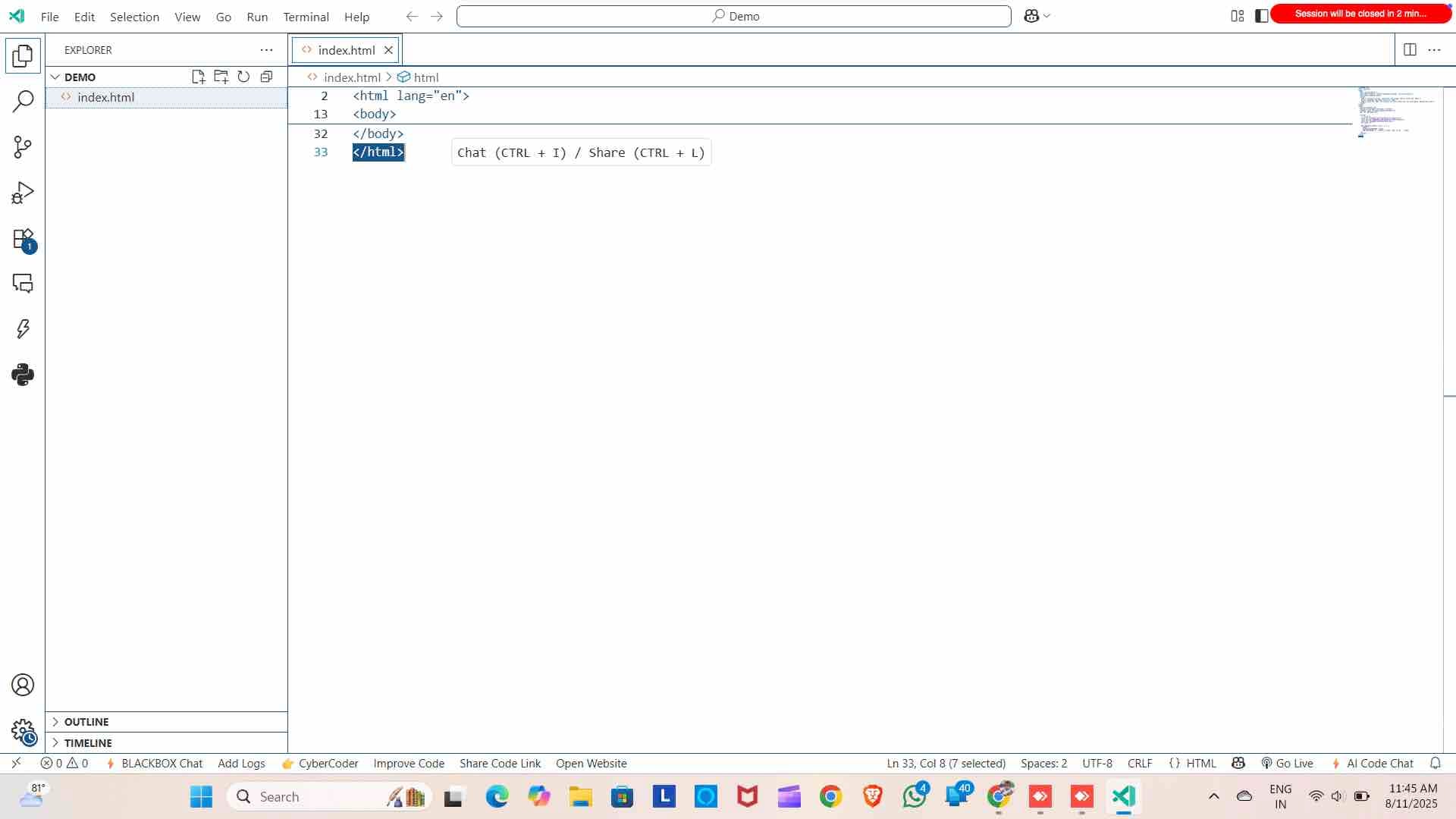
8
Write your solution
9
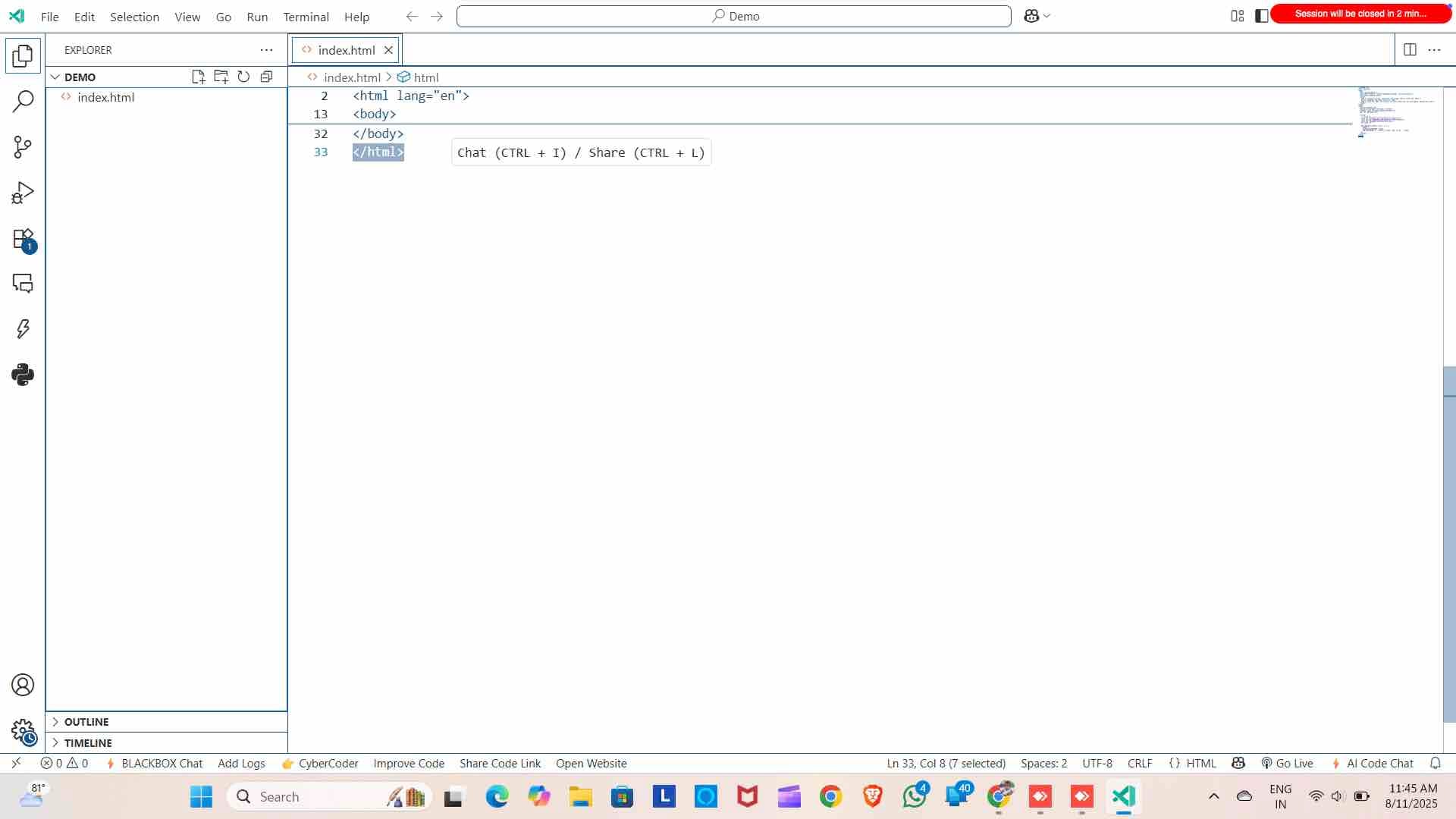
See the preview with live server Live server is an vscode extention.
10
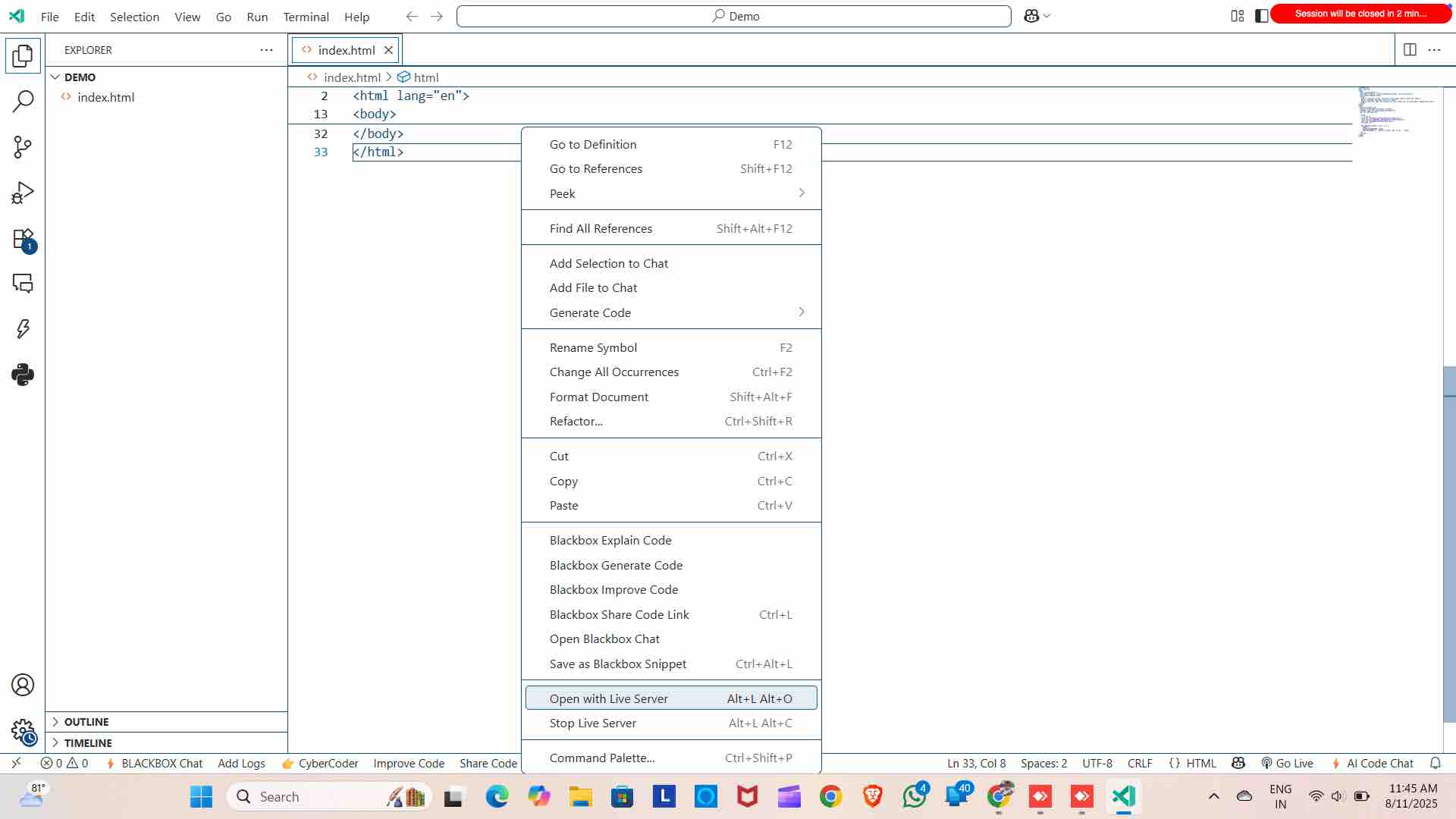
See the preview in browser
11
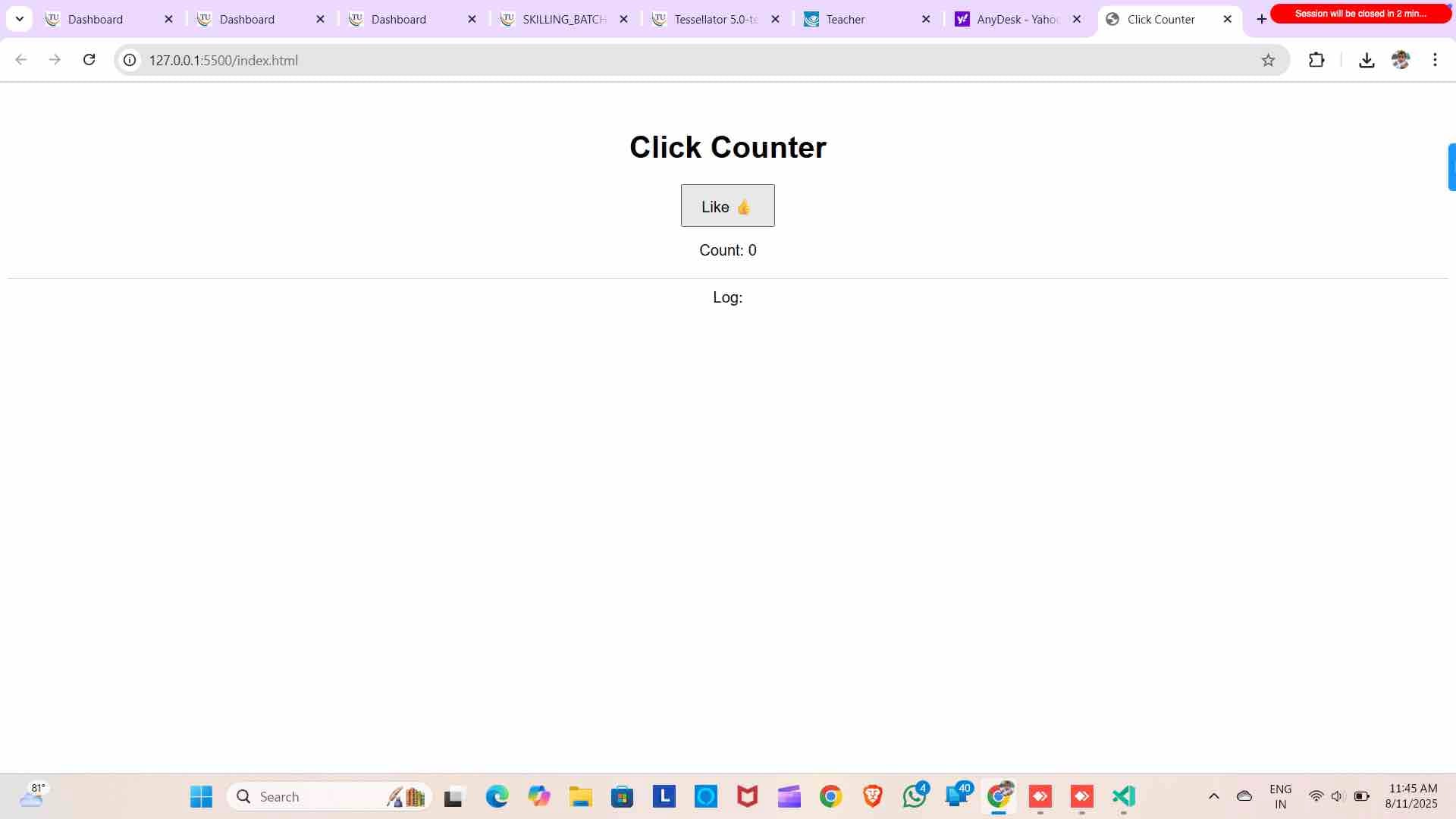
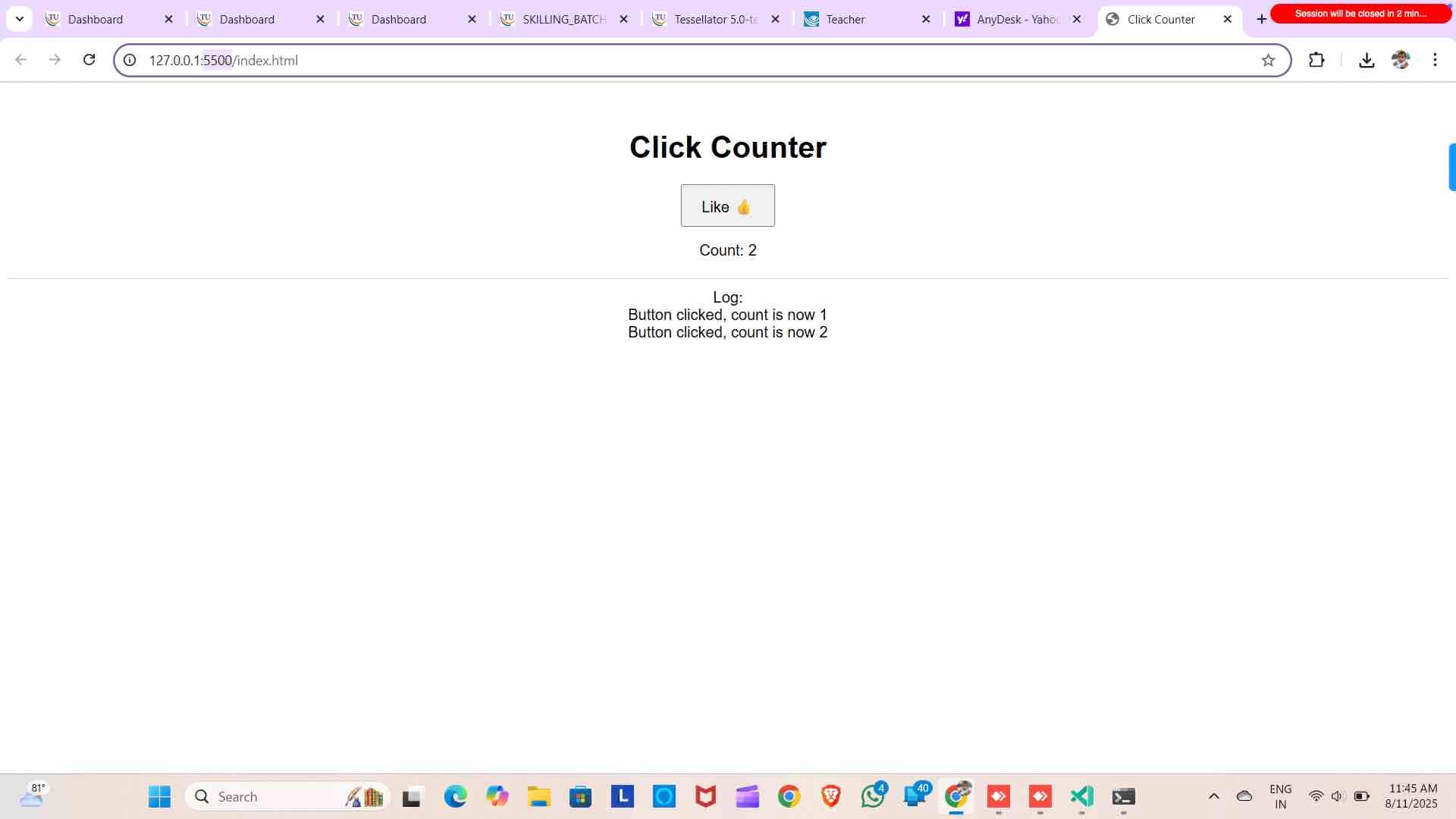
To submis the solution to toofaan Open Terminal and type "ipconfig" Copy the IPv4 Address
12
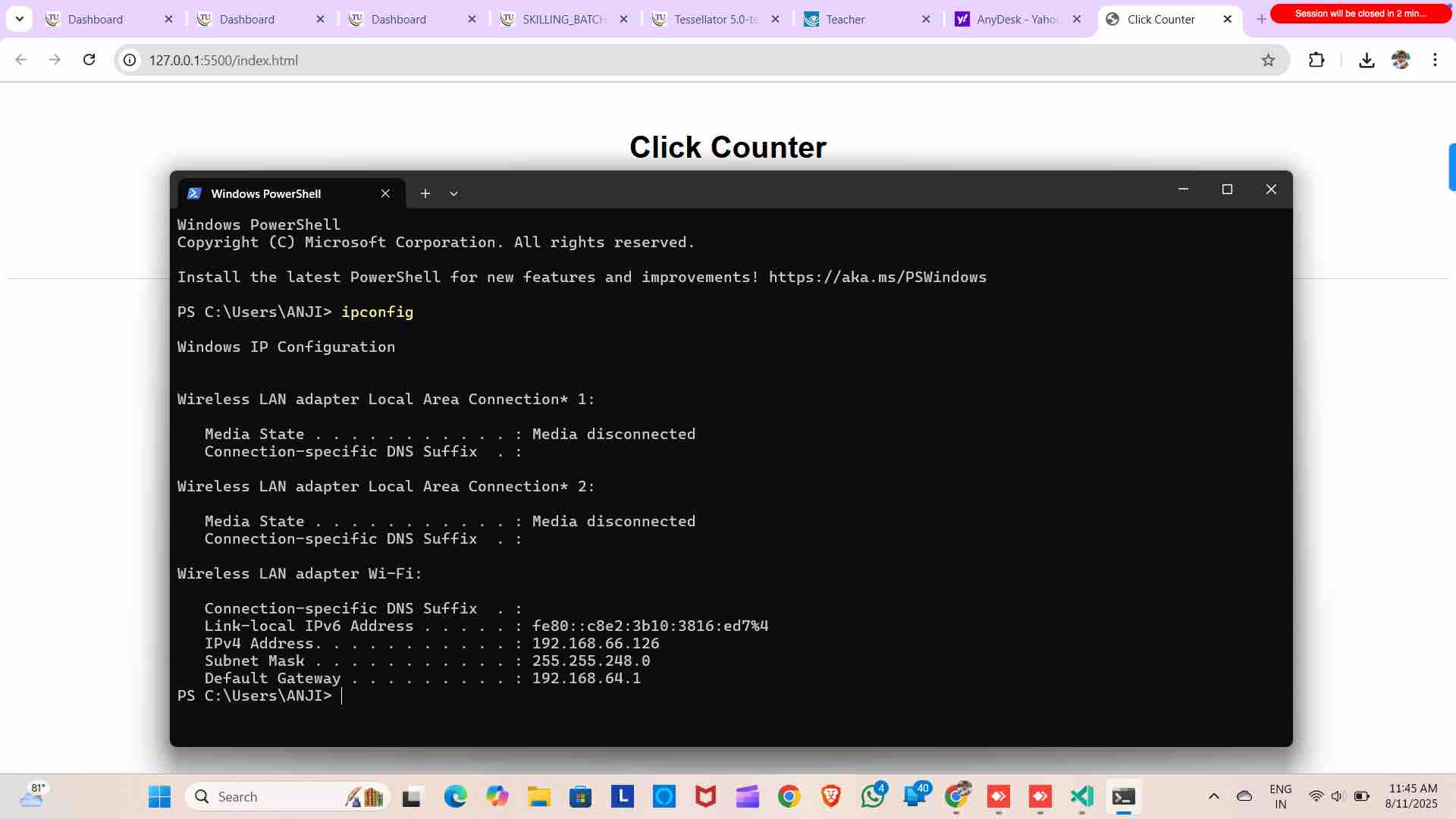
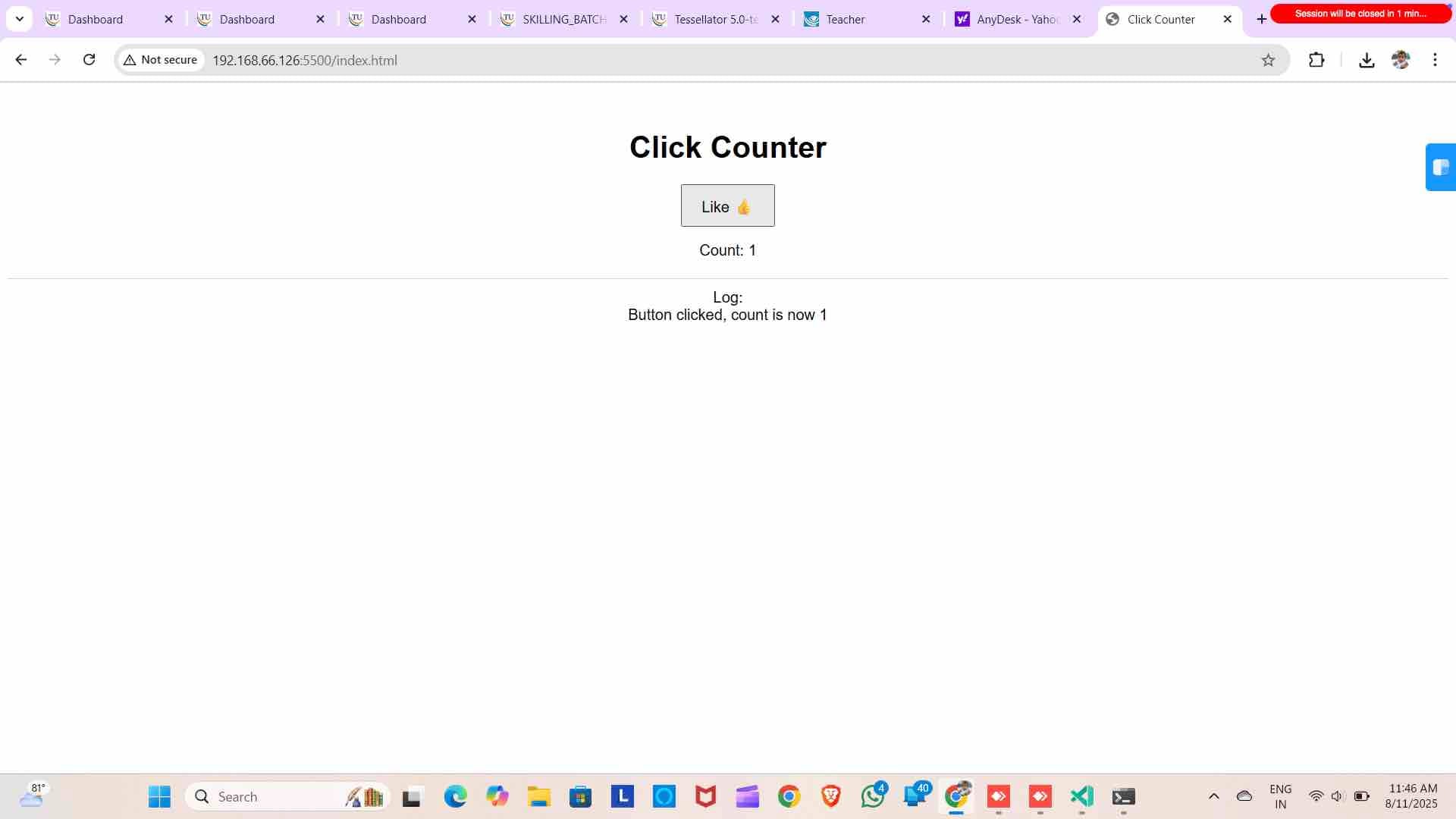
Replace the IP address
13
Check the browser loads with the solution
14
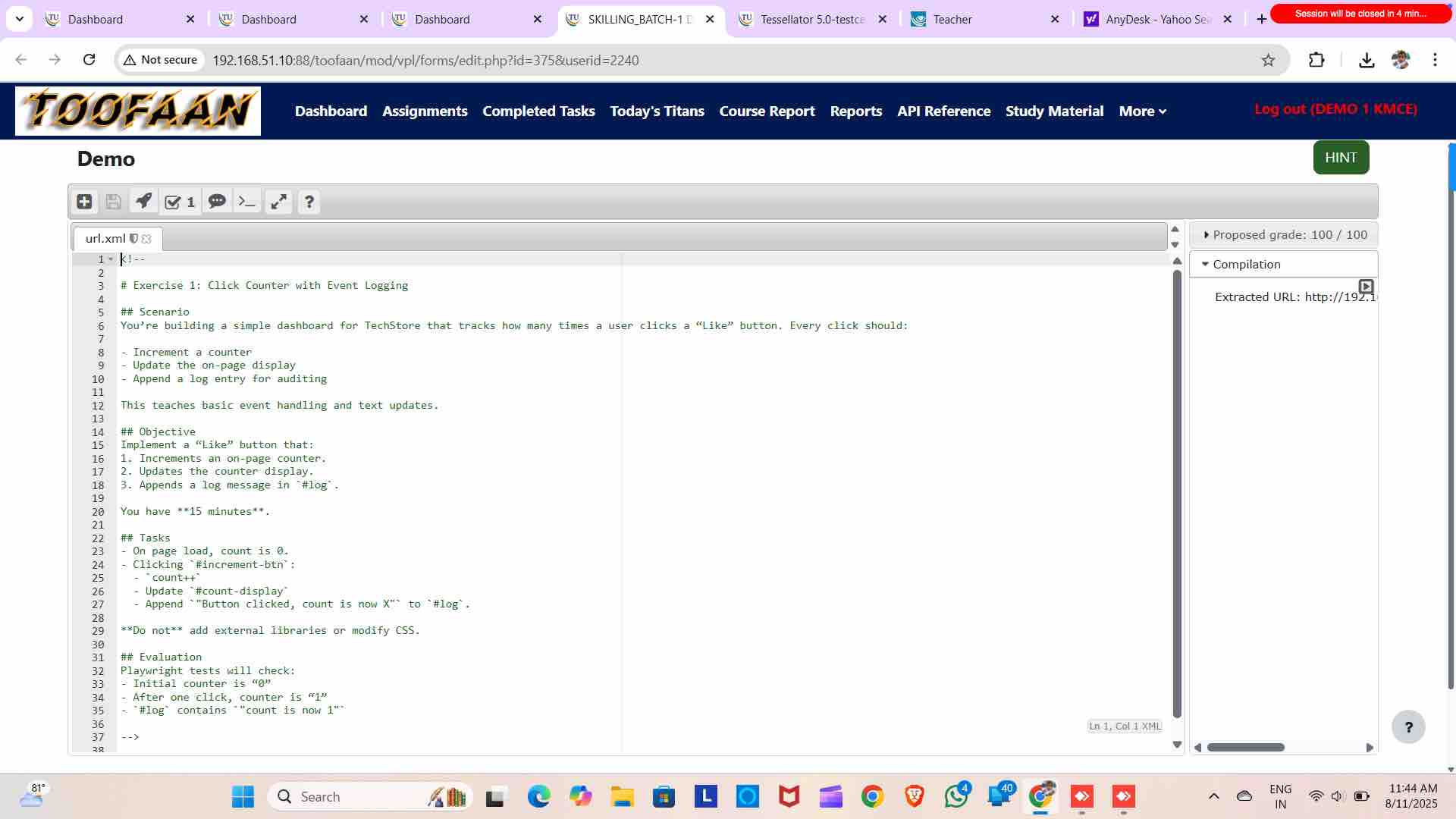
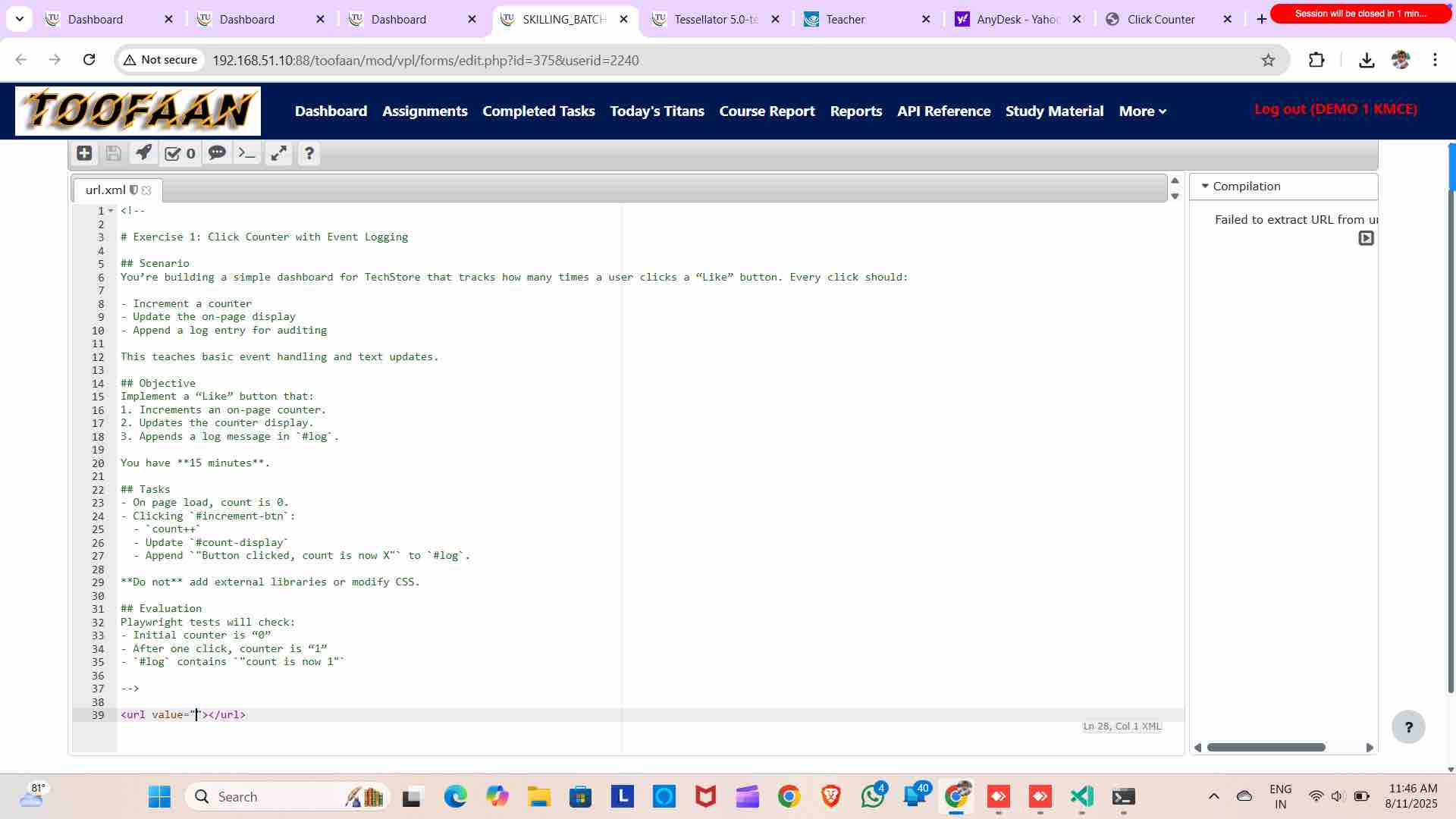
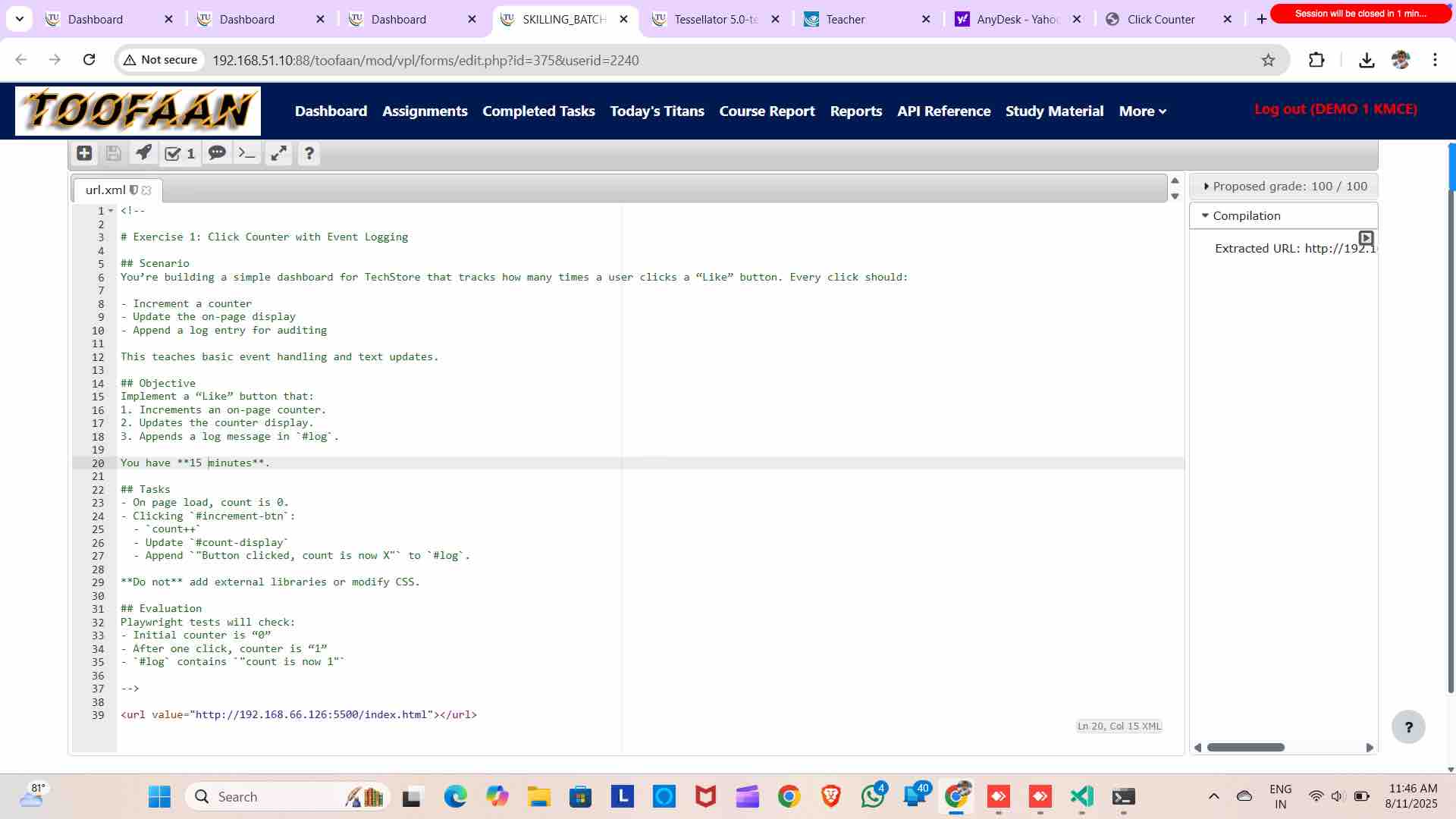
Submit the URL here
15
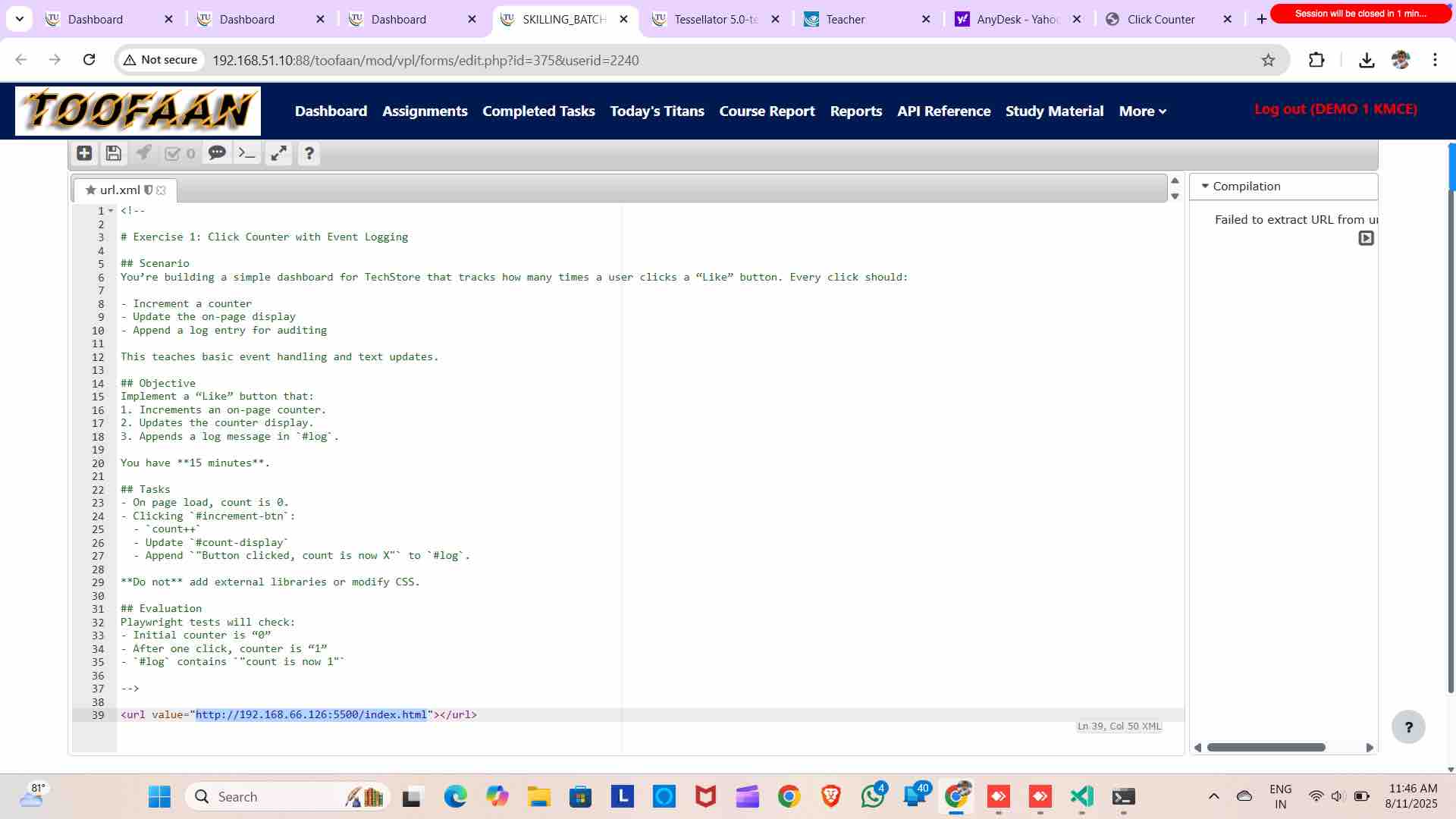
Note URL starts with http://
16
Save it
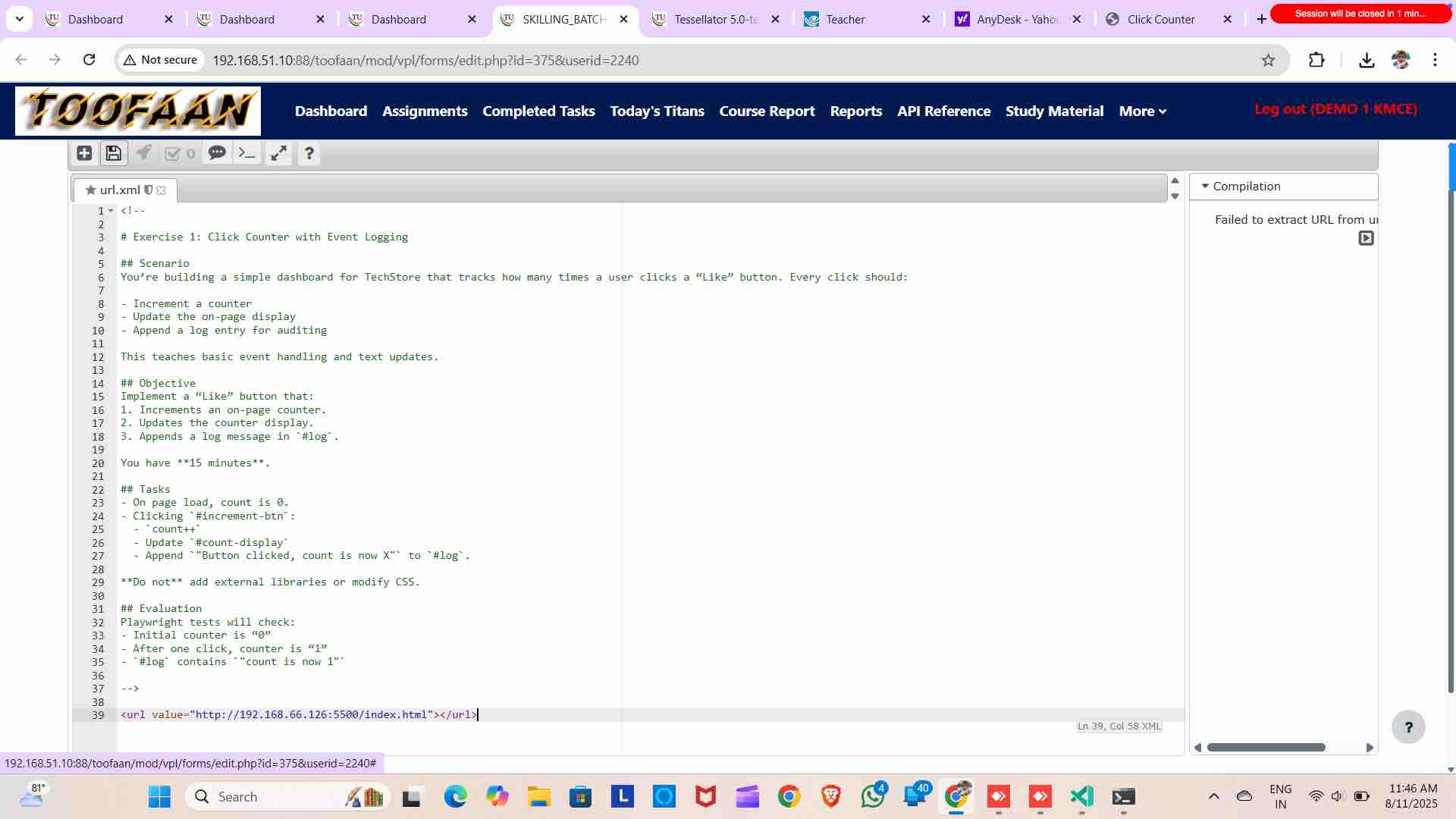
17
Run it
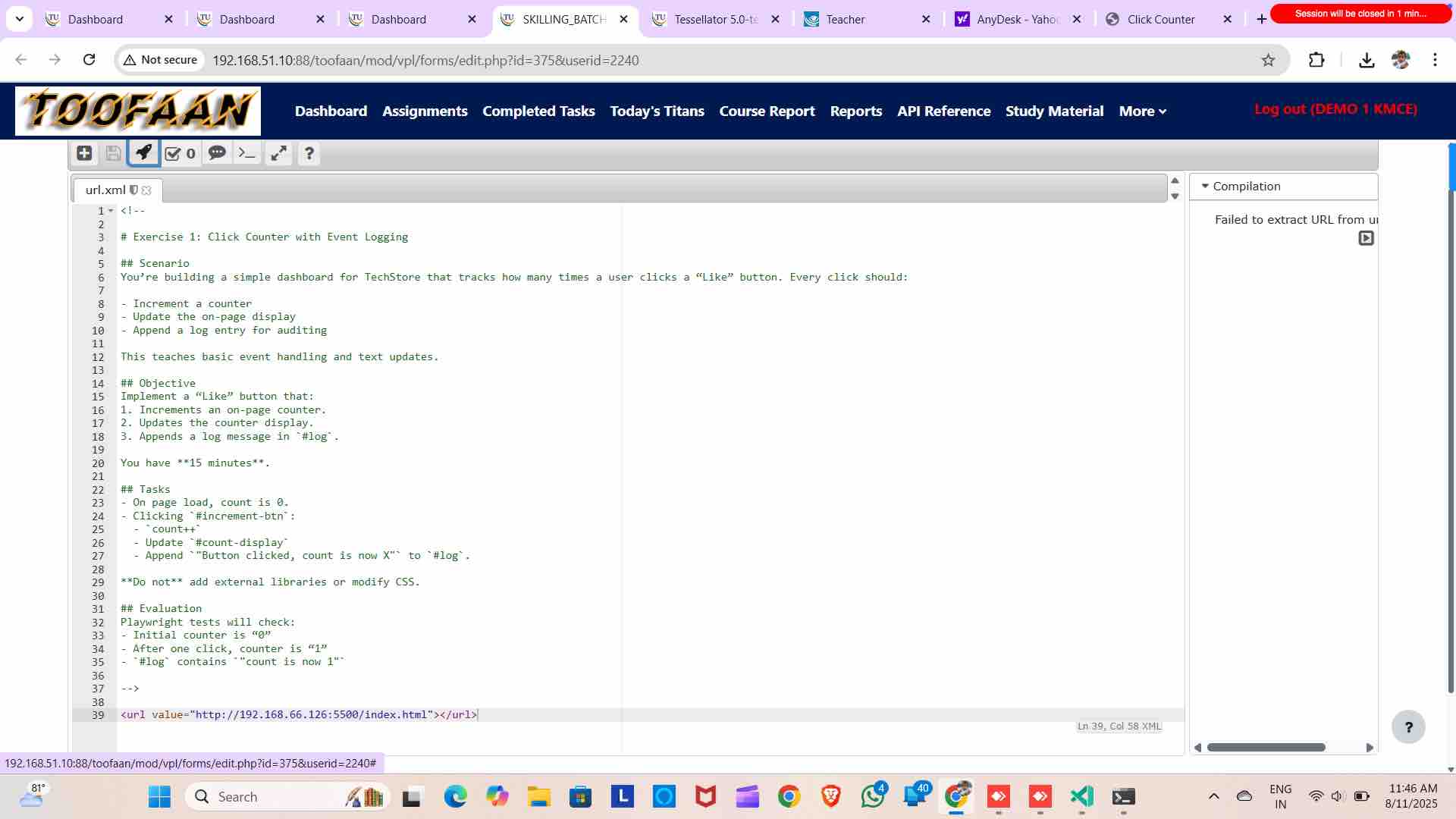
18
See the output
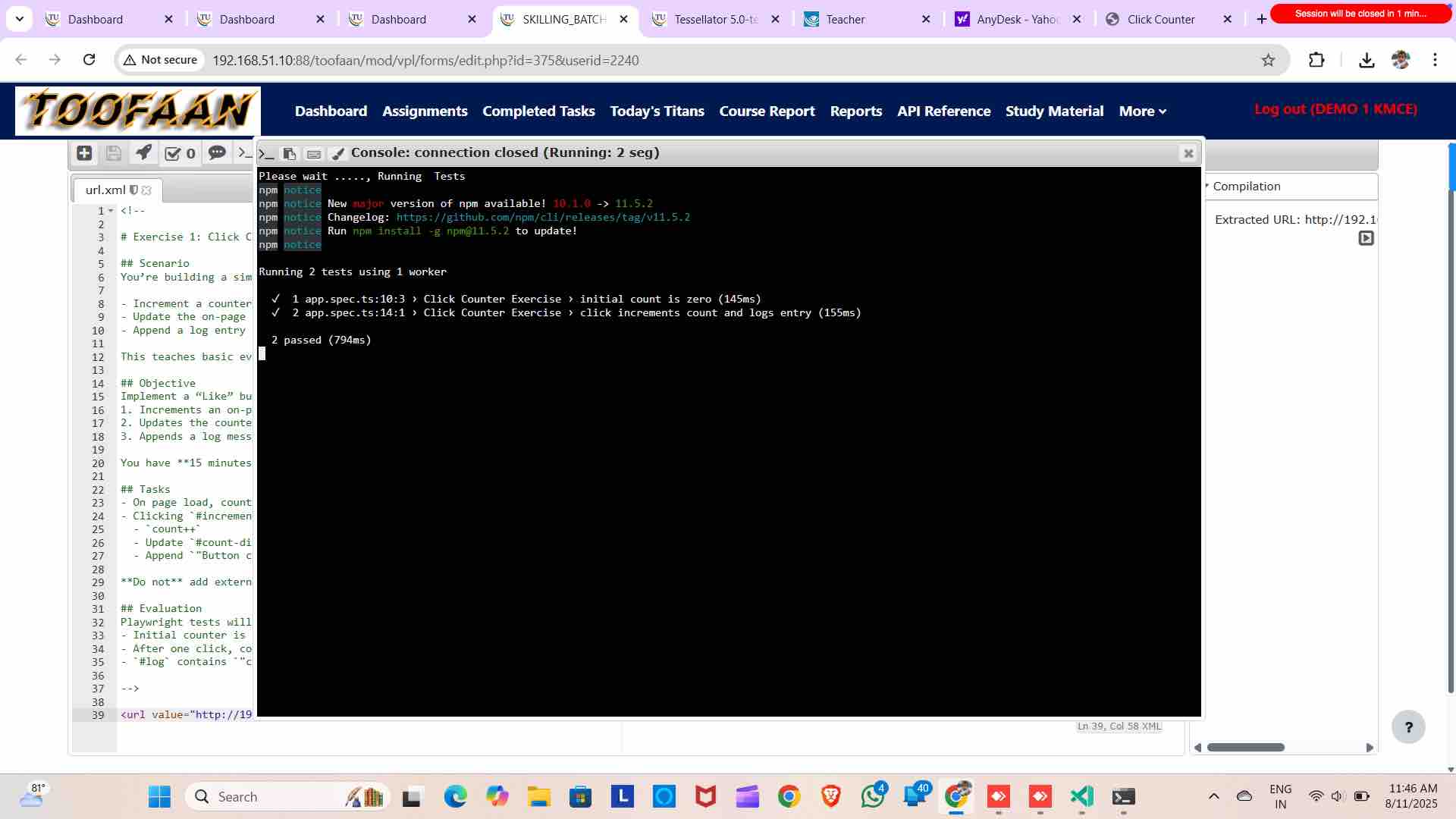
19
Evaluate it
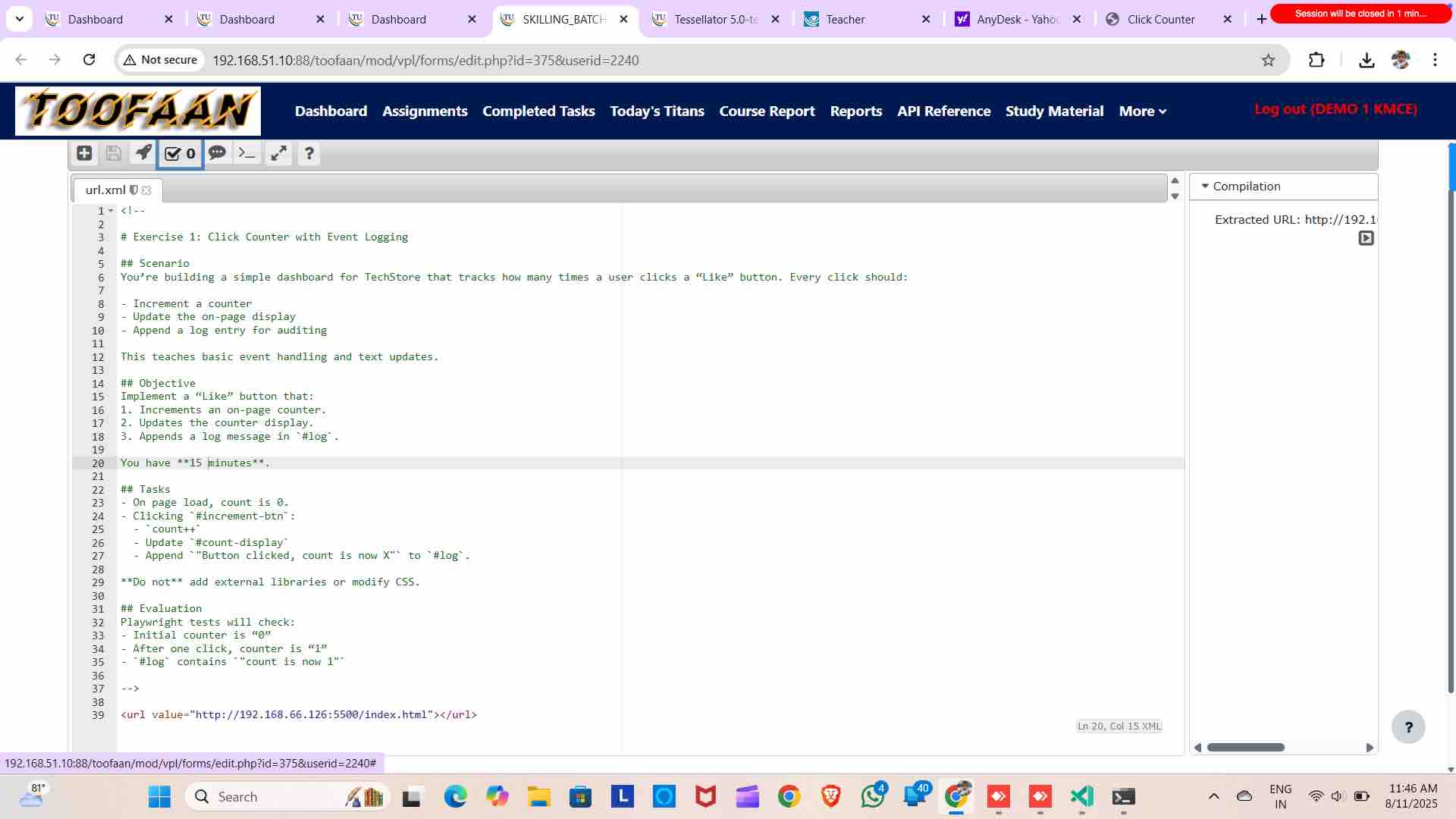
20
Check your grade
21
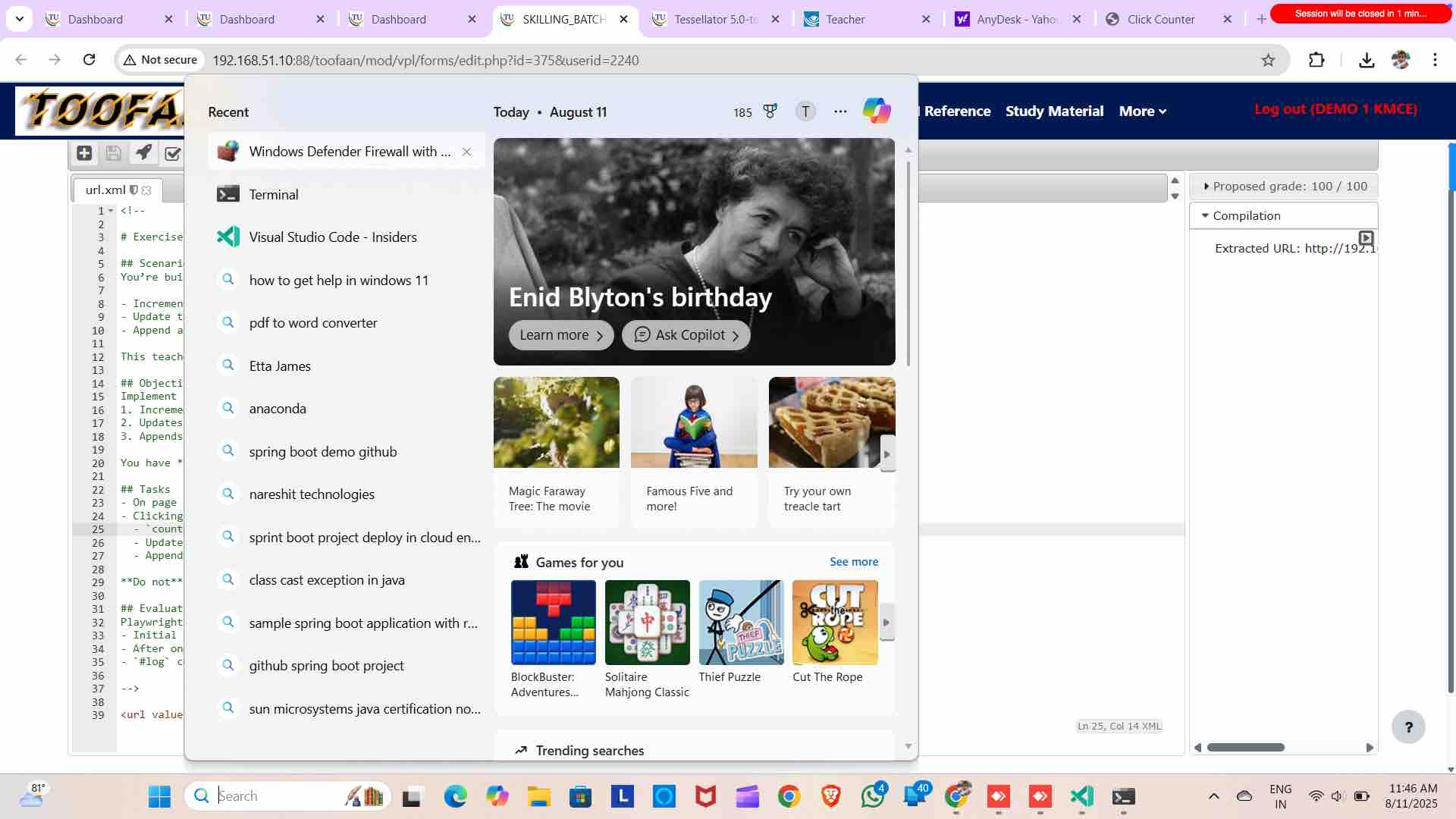
If not able to run Open firewall settings
22
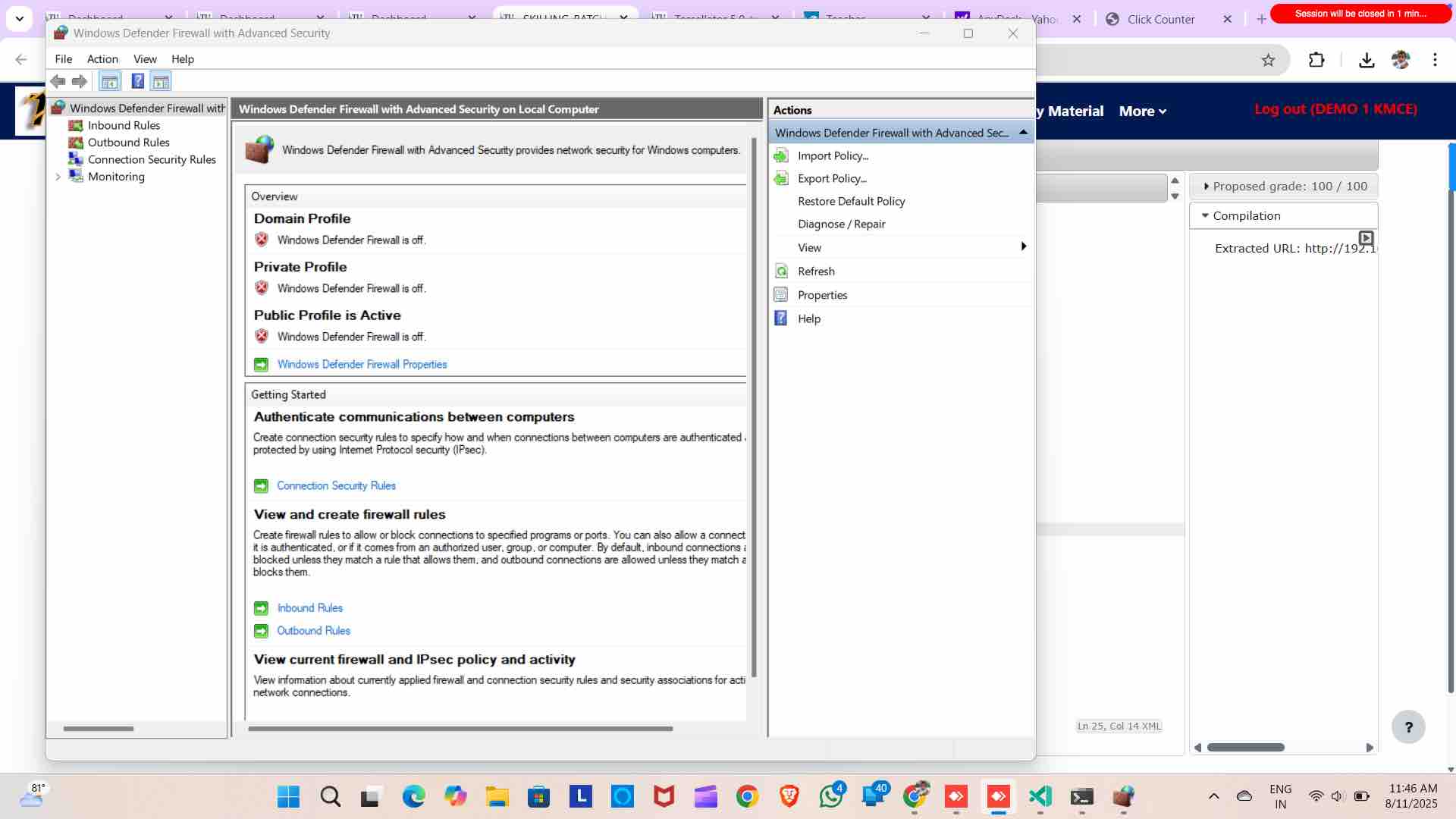
Disable all 3 firewall
23
This is the sample exercise PDF looks like